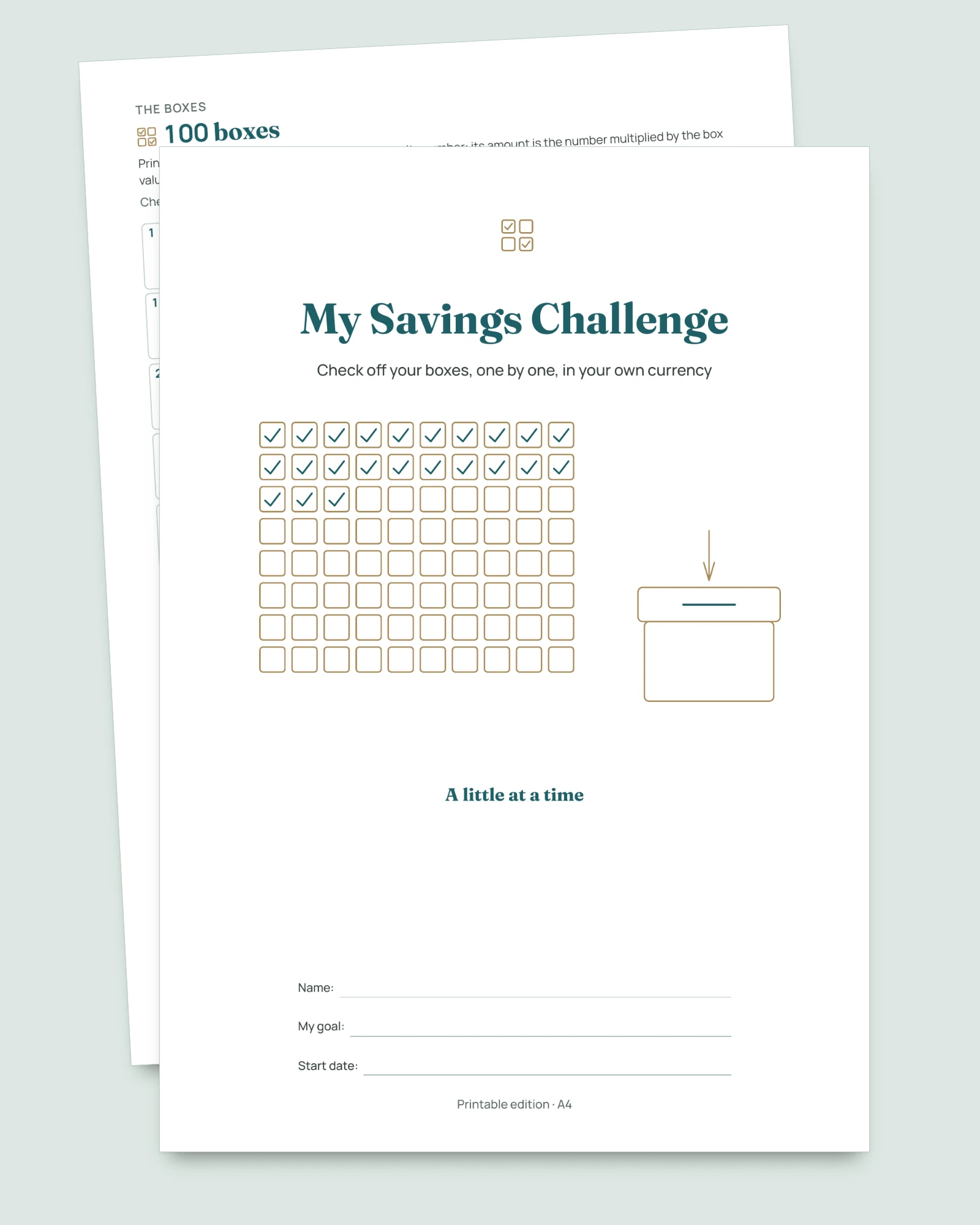
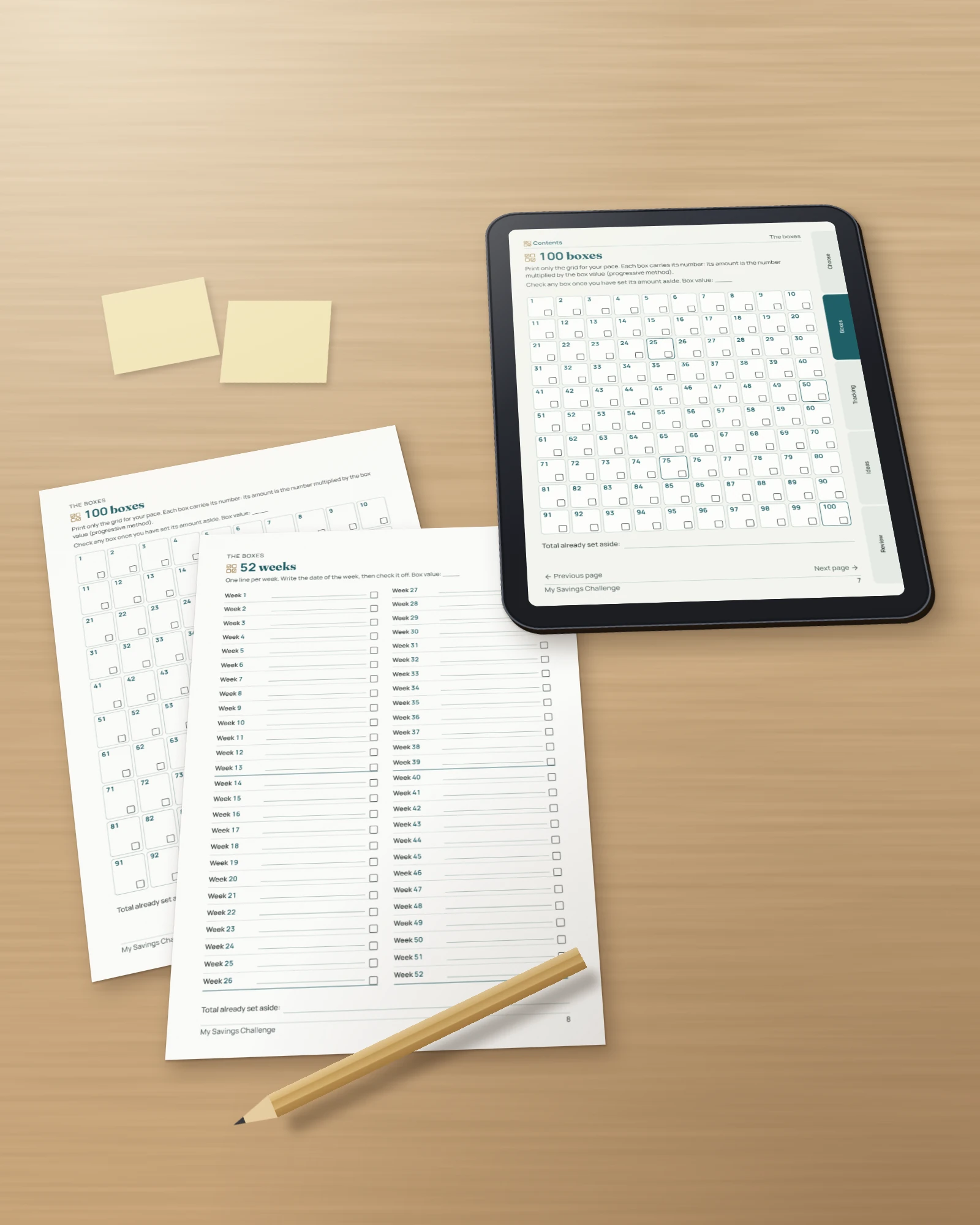
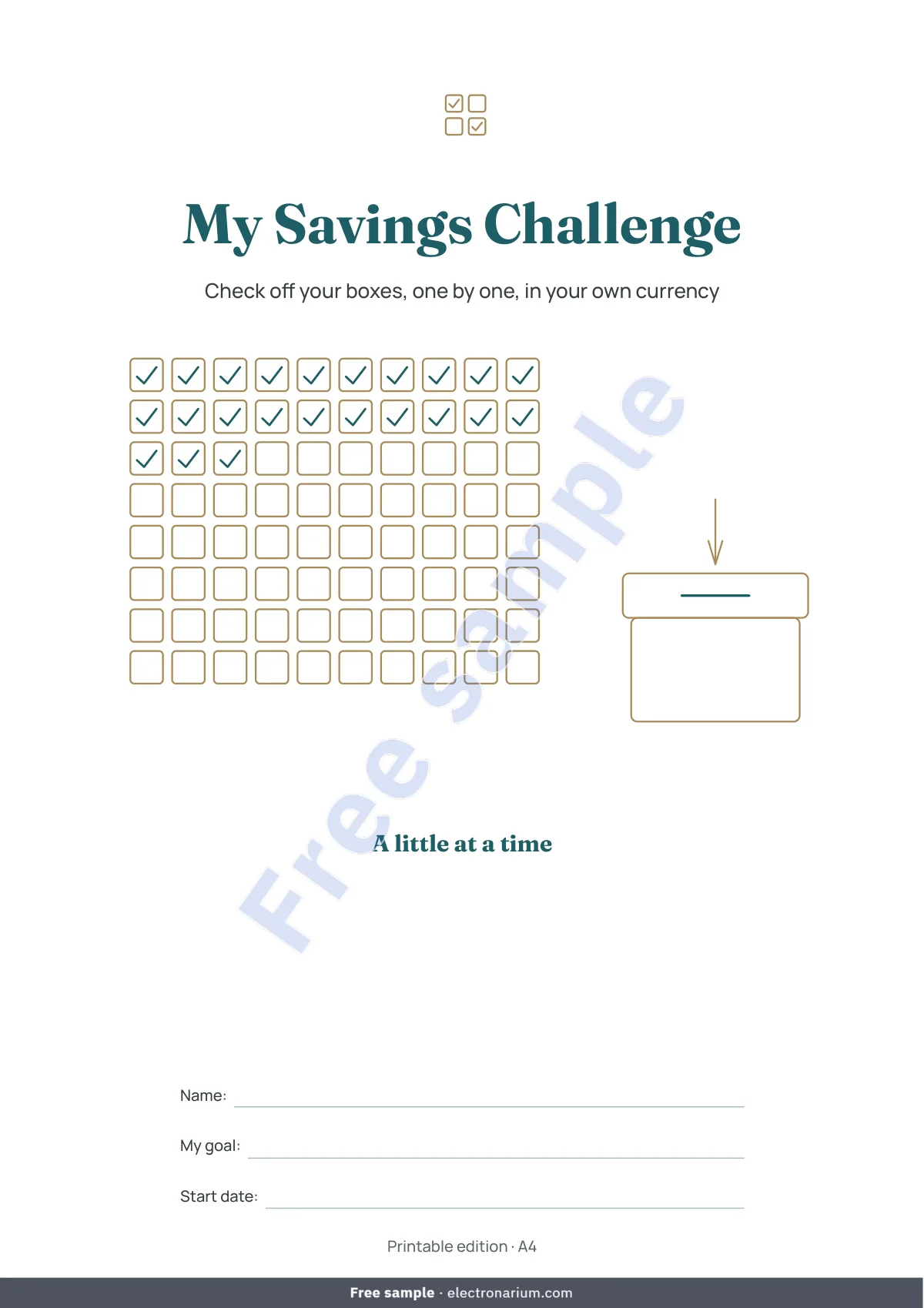
Five paces, a goal you type in your own currency, and a box value that works itself out: a challenge to check off, on paper or on screen.
A notebook to check off, and a workbook that works out every box
- Your currency, your goal: type one number and the box value appears. No amount is fixed in dollars or euros; the currency is written in Settings.
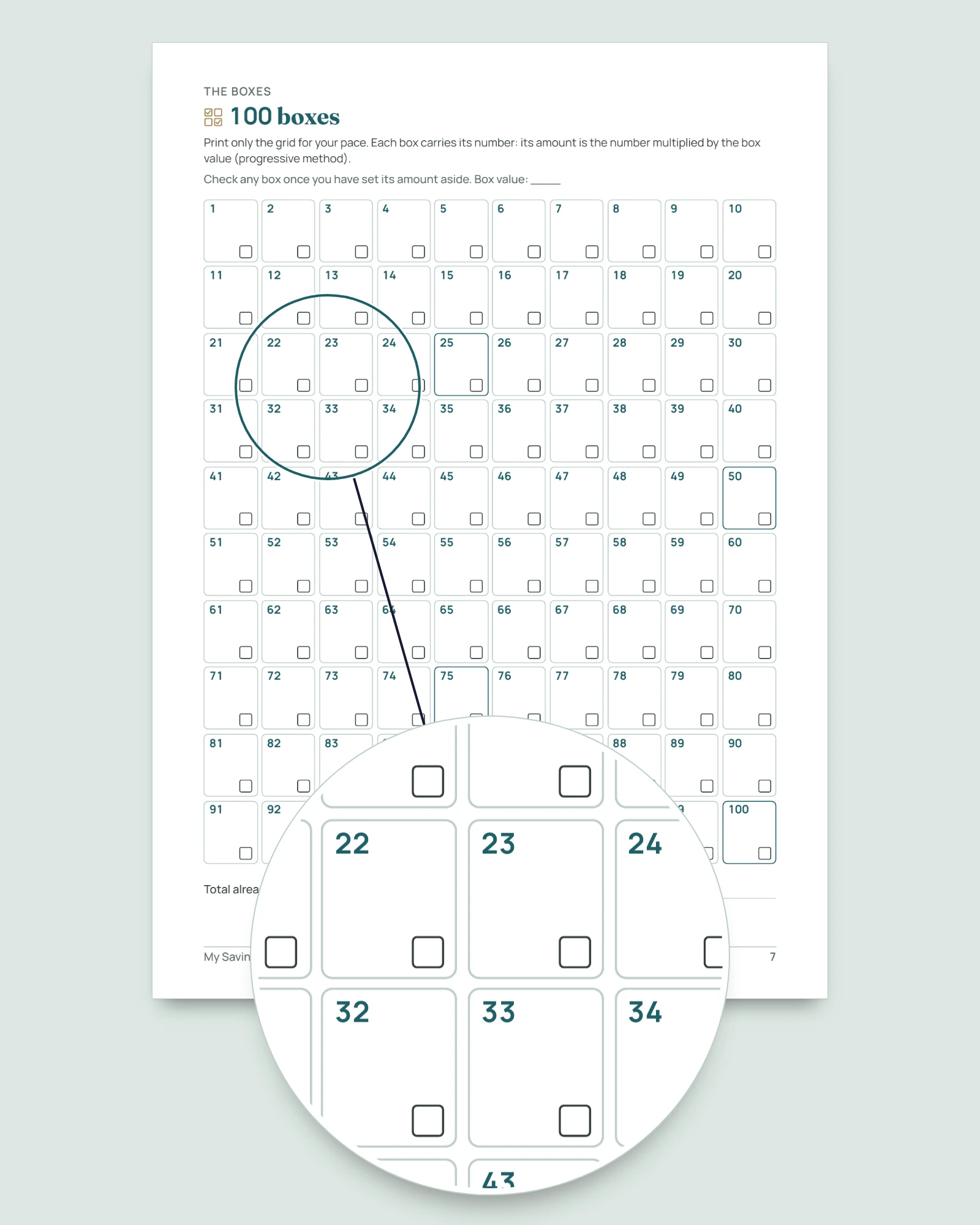
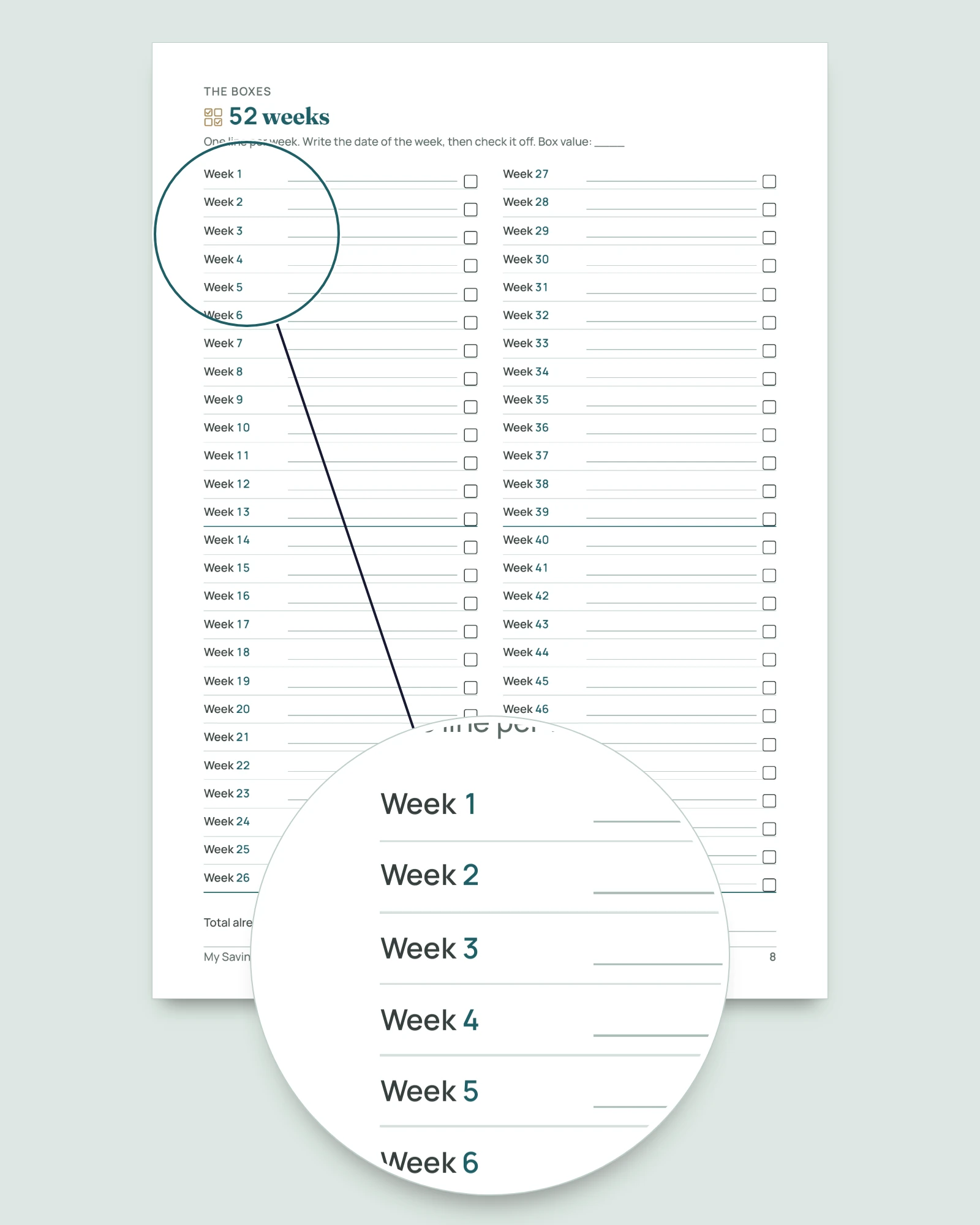
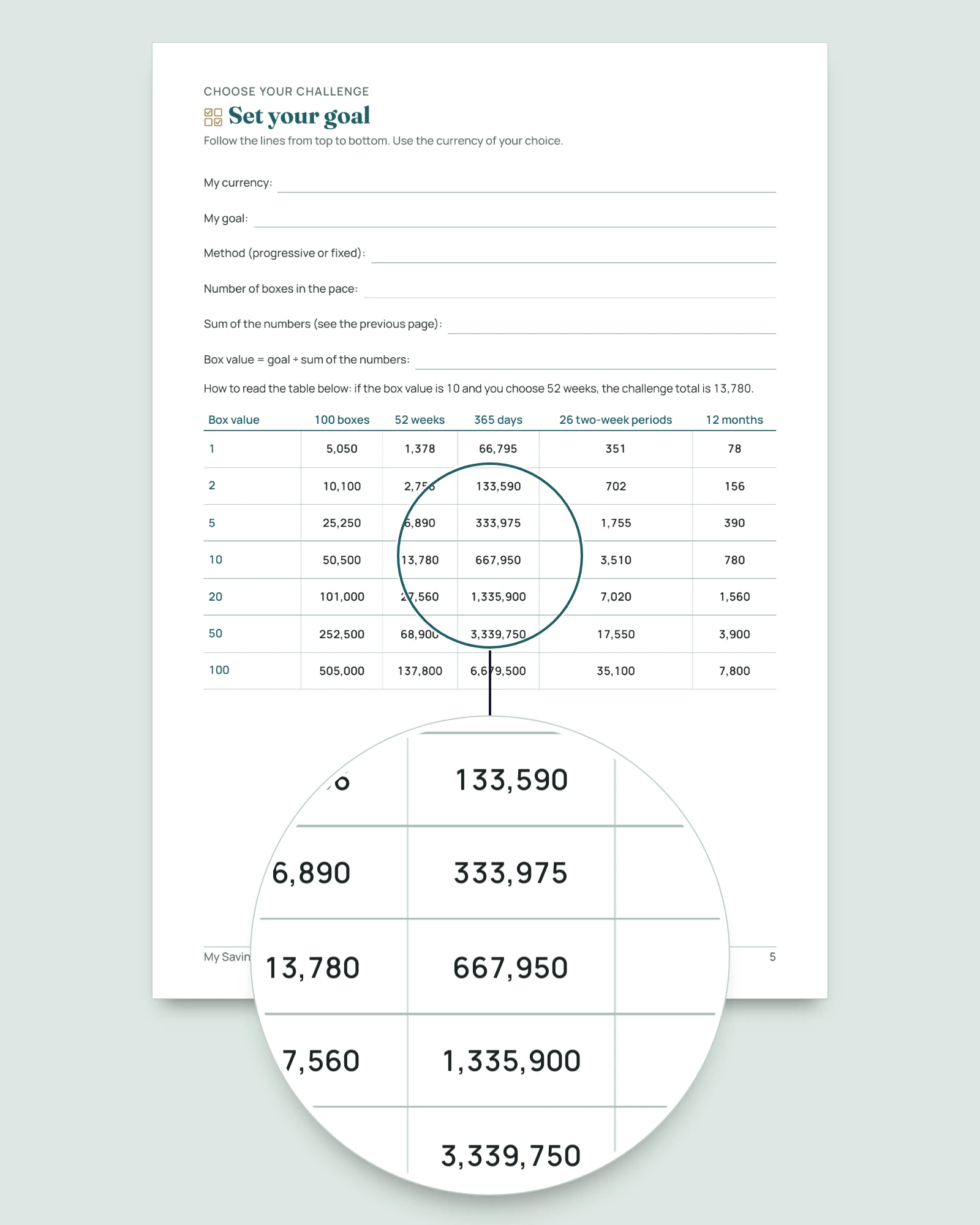
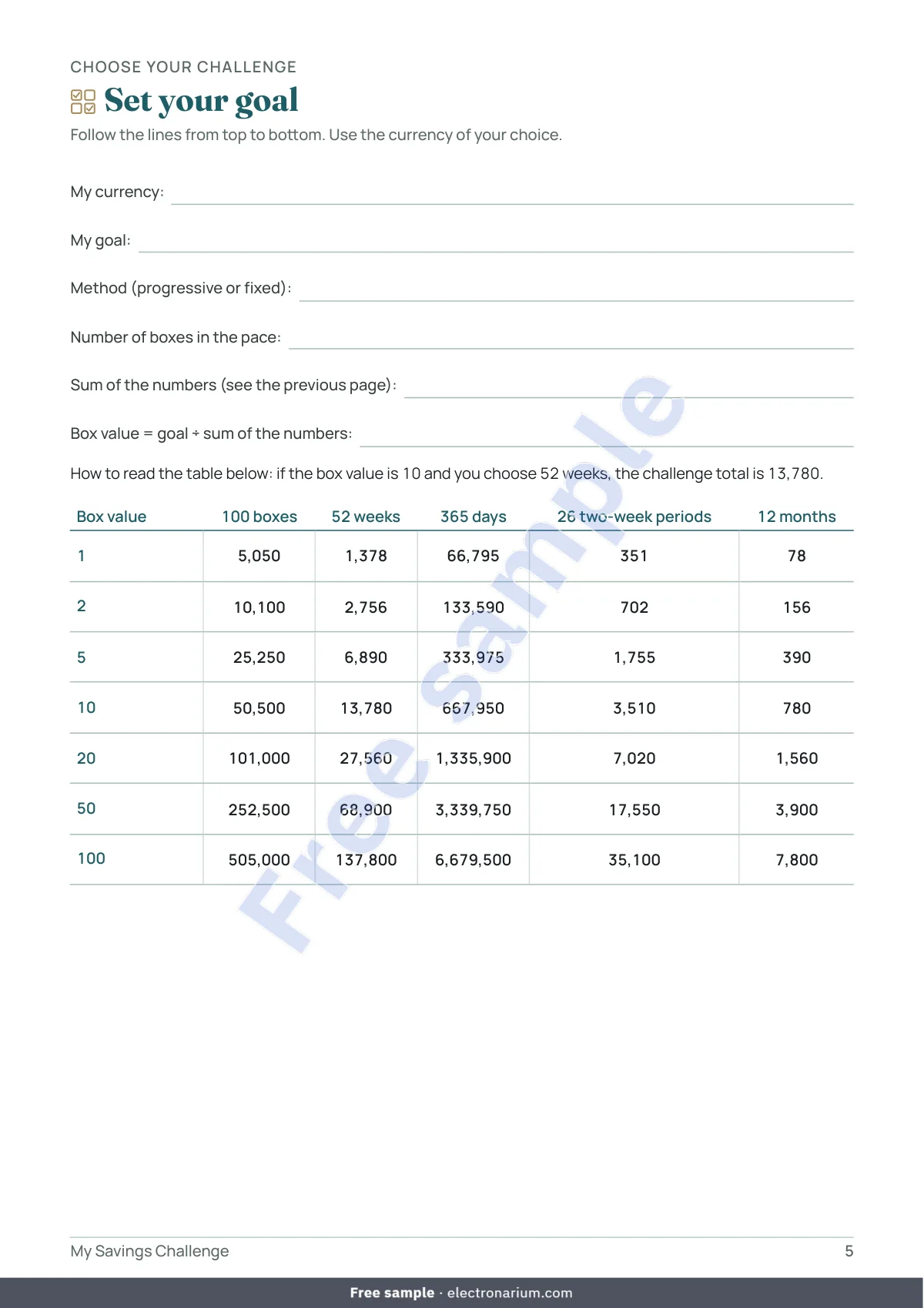
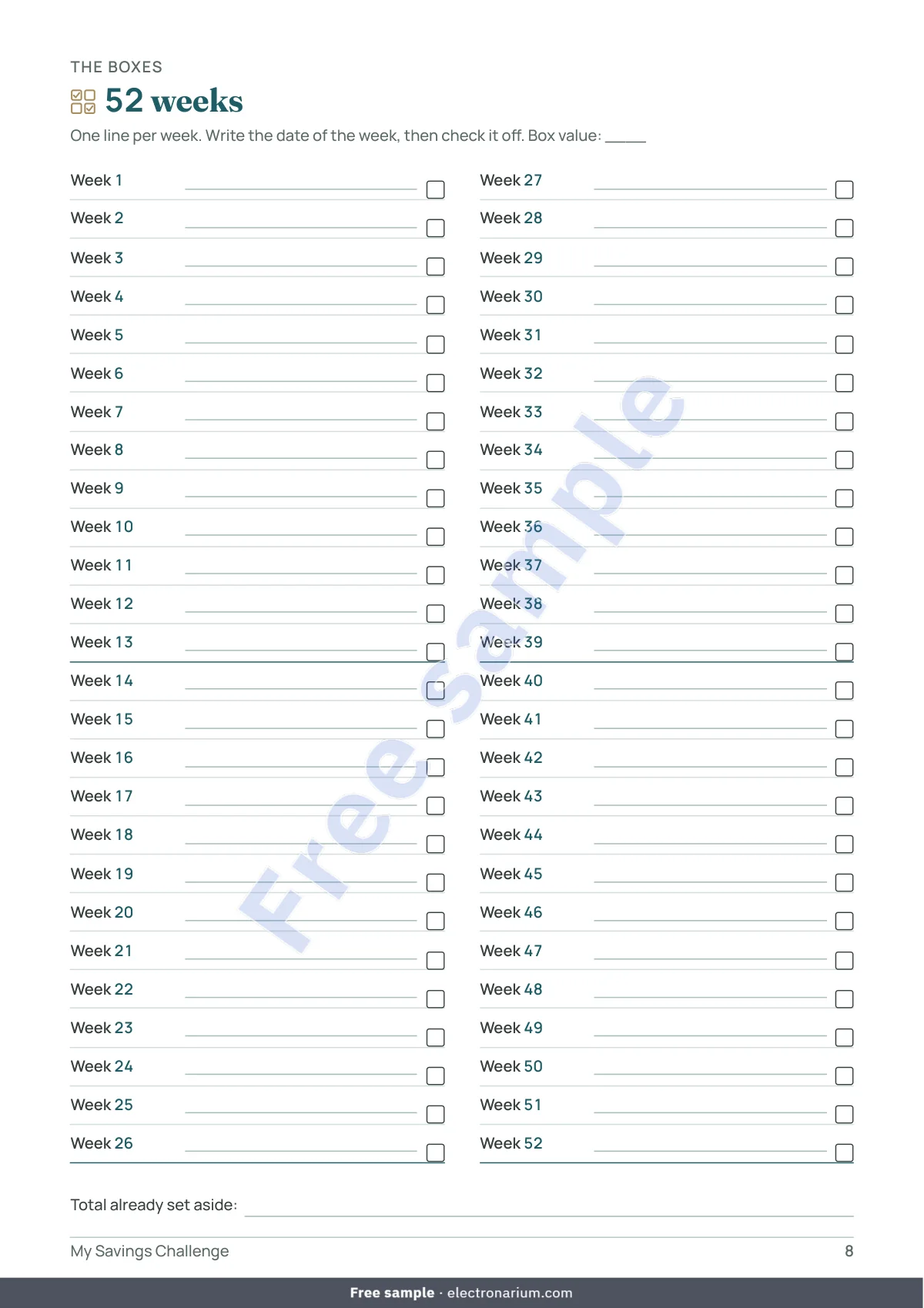
- Five paces: 100 boxes, 52 weeks, 365 days, 26 two-week periods or 12 months. Method Progressive (box 2 is worth twice box 1, box 3 three times, and so on) or Fixed (the same amount in every box); order Ascending or Descending.
- Tracking done for you: box value, challenge total, set aside, left, progress as a percentage and the gap with your goal. The workbook adds up what you check; it never tells you how much to set aside.
- A notebook that needs no screen: boxes to check, a log of your amounts, milestones at 25%, 50%, 75% and 100%, personal rules and a summary. Readable in black and white.
- No guilt: skip a box, catch up on it or start again, the page “When a box is hard” has room for it.
- Alone or with others: a page “A challenge with others” where each person notes their own boxes; nothing says who has to put in what.
- Paper or tablet: A4 or US Letter; tablet version with a clickable contents page, tabs and a link back to the contents on every page.
- Protected calculations (no password): you type in the yellow cells; the calculations, in white, are locked. In Google Sheets this protection may disappear: rely on the colors.
Three challenge ideas, or your own occasion
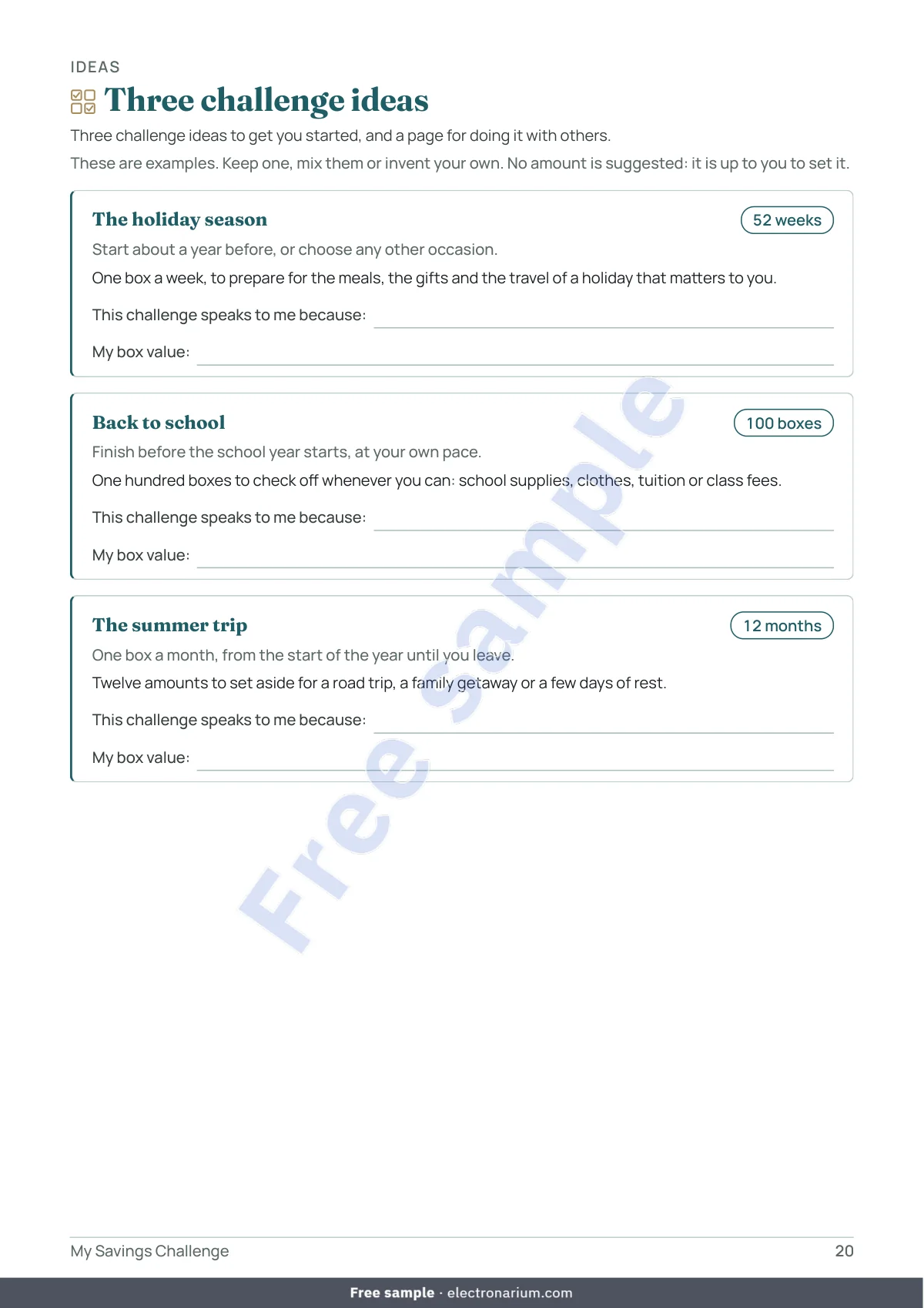
Each idea gives a pace and a period, with no suggested amount: The holiday season (52 weeks), Back to school (100 boxes), The summer trip (12 months). Ramadan and Eid, Lunar New Year, a ceremony, a trip or an unexpected bill: the occasion is yours, and you name it on the page “Your challenge on one page”.
What you get, exactly
- 4 files: the notebook as an A4 PDF, a US Letter PDF and a tablet PDF (portrait 3:4, with links), and the workbook (.xlsx).
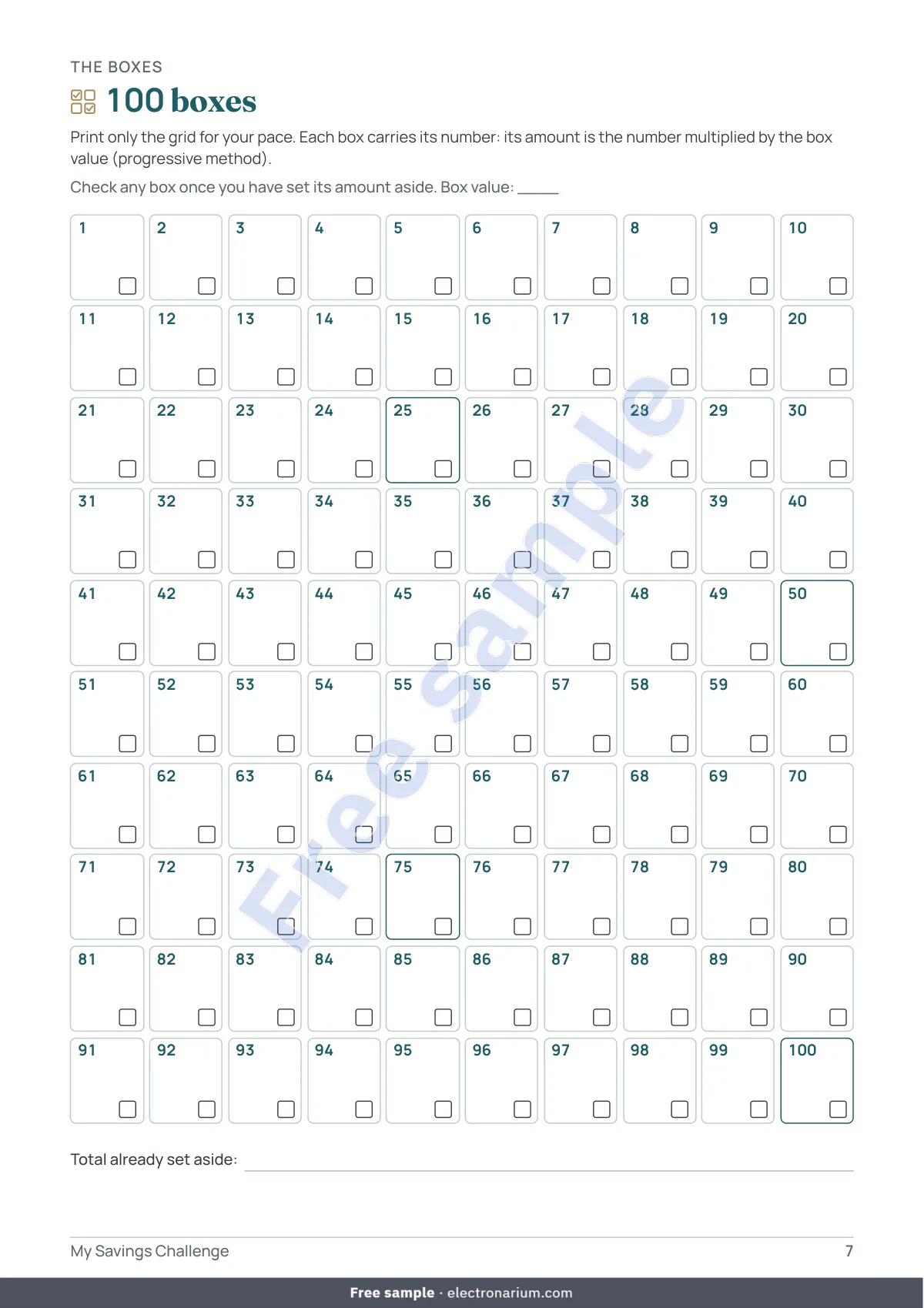
- The notebook: 23 pages, that is 20 pages of content plus the cover, the instructions and the contents page. Choosing your challenge (3 pages); The boxes (7 pages: 100 boxes, 52 weeks, 26 two-week periods and 12 months, 365 days over 4 pages); Tracking (6 pages: log of amounts, milestones, when a box is hard, where to keep what you set aside, what for); Ideas (2 pages); Summary (2 pages). No date or year is printed: you start whenever you like.
- The workbook, 9 sheets: Start here, Settings, 100 boxes, 52 weeks, 365 days, 26 two-week periods, 12 months, Summary, Challenge ideas. Each pace has its own goal: one challenge, or several at once.
- No macros, no external links, no subscription. Tested in LibreOffice, compatible with Excel 2016+ and Google Sheets.
- Default currency USD, which you can change in Settings (EUR, MAD, TRY or any other); nothing is converted.
Who it is for
For anyone who wants to set a little aside, at their own pace, for a specific occasion: the holidays, back to school, a trip, a ceremony, the unexpected. For one person, a household or a small group. You only need to check a box and type a number. Where you keep what you set aside is up to you: a jar, an envelope, an account of your choice, a shared pot or a circle of mutual help.
Who it is not for
Not for anyone looking for advice on the amount, the pace or where to keep the money: the product only counts the boxes you check. Not for running a rotating circle (order of turns, shared pot, late payments): a challenge tracks boxes, not turns. Not for anyone who wants automatic reminders, a link to an account or a full budget.
Frequently asked questions
There are free templates. Why this one? If a free template is enough for you, keep it. This one brings together five paces, two methods, two orders, three paper formats and a workbook where the box value is worked out in your own currency.
What goal should I choose? The product sets no amount: it is up to you to decide what your situation allows.
Which pace should I choose? None is suggested. The page “Pick your pace” lays out the five paces, their length and the number of boxes.
The total is not exactly my goal. The box value is rounded: the sheet shows the challenge total and the gap with your goal.
My currency is not the dollar. Type yours in Settings. Amounts are not converted: use one currency per file.
I skipped a box. Leave it empty or check it later: only boxes marked Yes count.
Does it tell me where to keep the money? No. It manages no account and names no product.
Is it for a savings circle among family or friends? The notebook tracks your boxes, alone or with others. It does not manage turns or a shared pot.
Excel? Google Sheets? Mac? Tested in LibreOffice, which is free. Compatible with Excel 2016+ on Windows and Mac, and with Google Sheets (File > Import; cell protection may disappear, so rely on the colors). Numbers has not been tested.
Do I have to print everything? No: the grid for your pace, the log and the pages you use, on A4 or US Letter, in black and white if you like.
Is there a year printed on it? No: the challenge is undated, you start whenever you want.
Does my data go anywhere? No: no macros, no external links. The file stays with you, or in your Google account if you import it.
Is it available in other languages? Yes: French, Spanish, German, Dutch, Brazilian Portuguese, Italian, Turkish, Russian, Arabic and Chinese. Each purchase includes one language.
Can we share it? The license is personal: you may print it as often as you need for your household, but not resell or distribute it.
Important
This notebook is a personal organization tool. It is not financial, tax, legal or investment advice and does not recommend any product. The calculations rely only on the goal and the amounts you enter. Set aside only what your situation allows. For any important decision, speak to a qualified professional in your country.