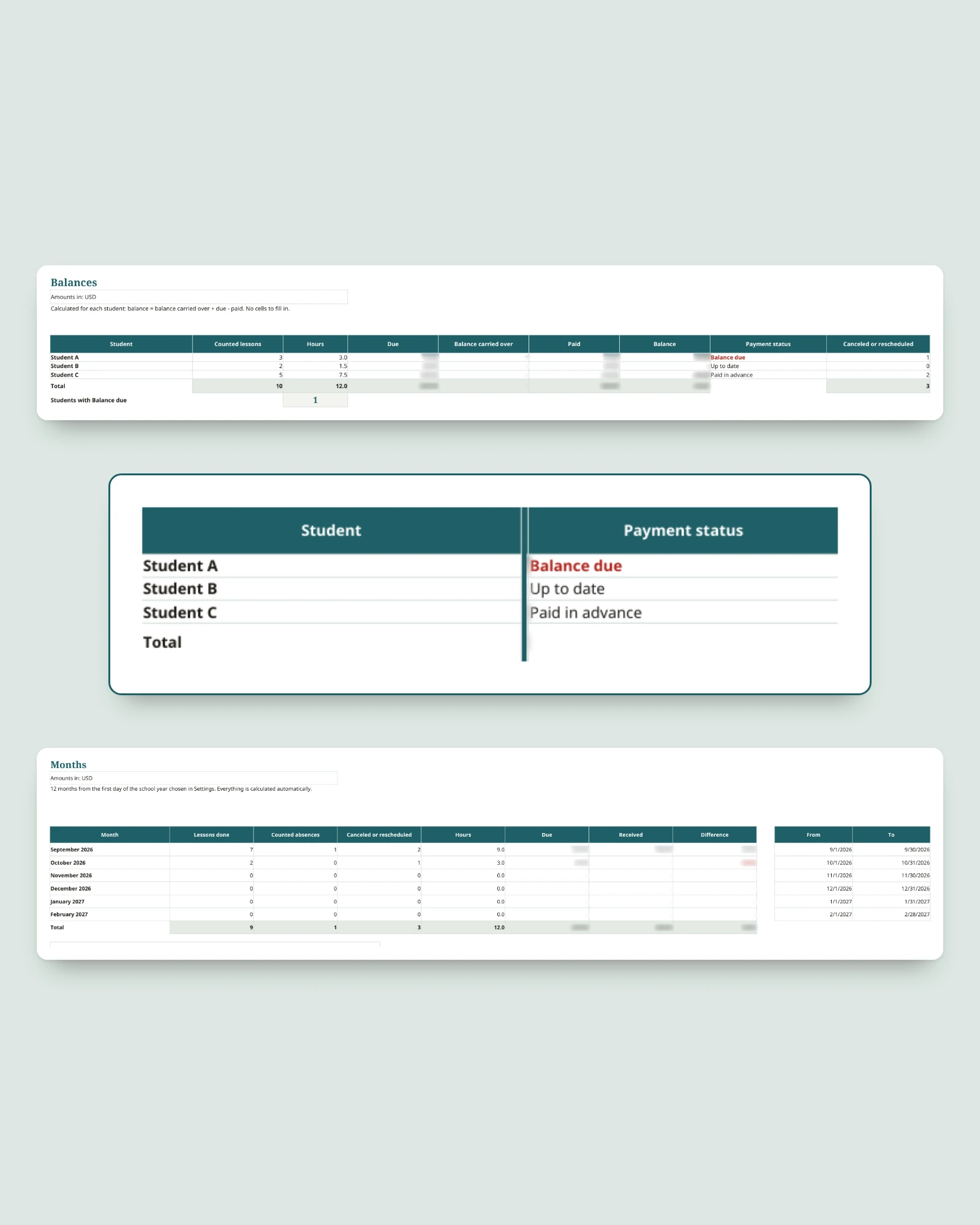
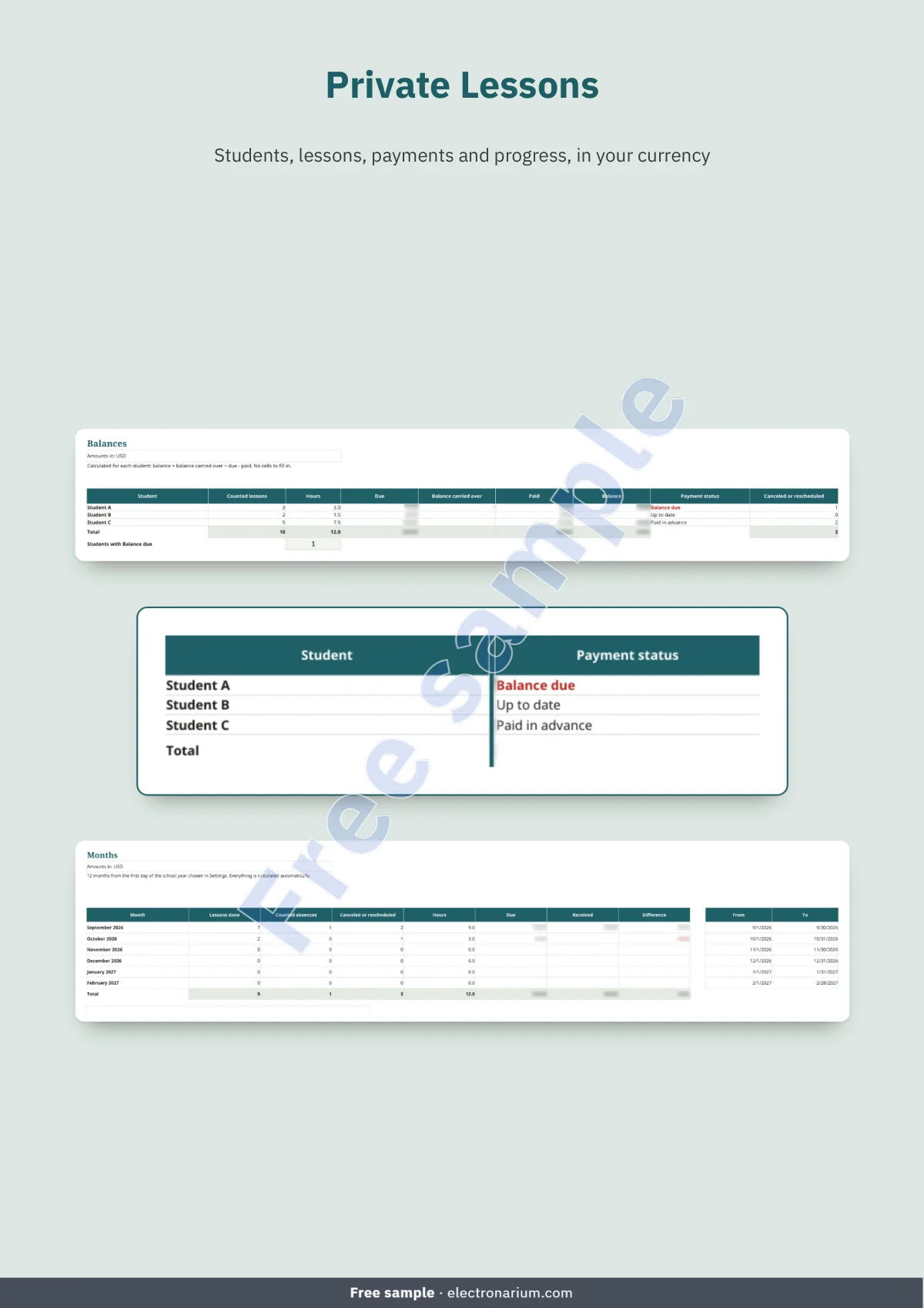
Lessons in a notebook, payments in a chat thread, balances kept in your head: it all comes together in one workbook. You log a lesson, you log a payment; the workbook shows where each student stands: Up to date, Balance due or Paid in advance.
A workbook that tracks students, lessons and what is still due
- See at a glance where each student stands: the Balances sheet calculates what is due, what has been paid and the balance, with a carried-over balance if you start mid-year.
- Lessons counted on your own terms: statuses Scheduled, Done, Canceled, Counted absence and Rescheduled. Only Done and Counted absence add to the amount due; you decide whether an absence counts.
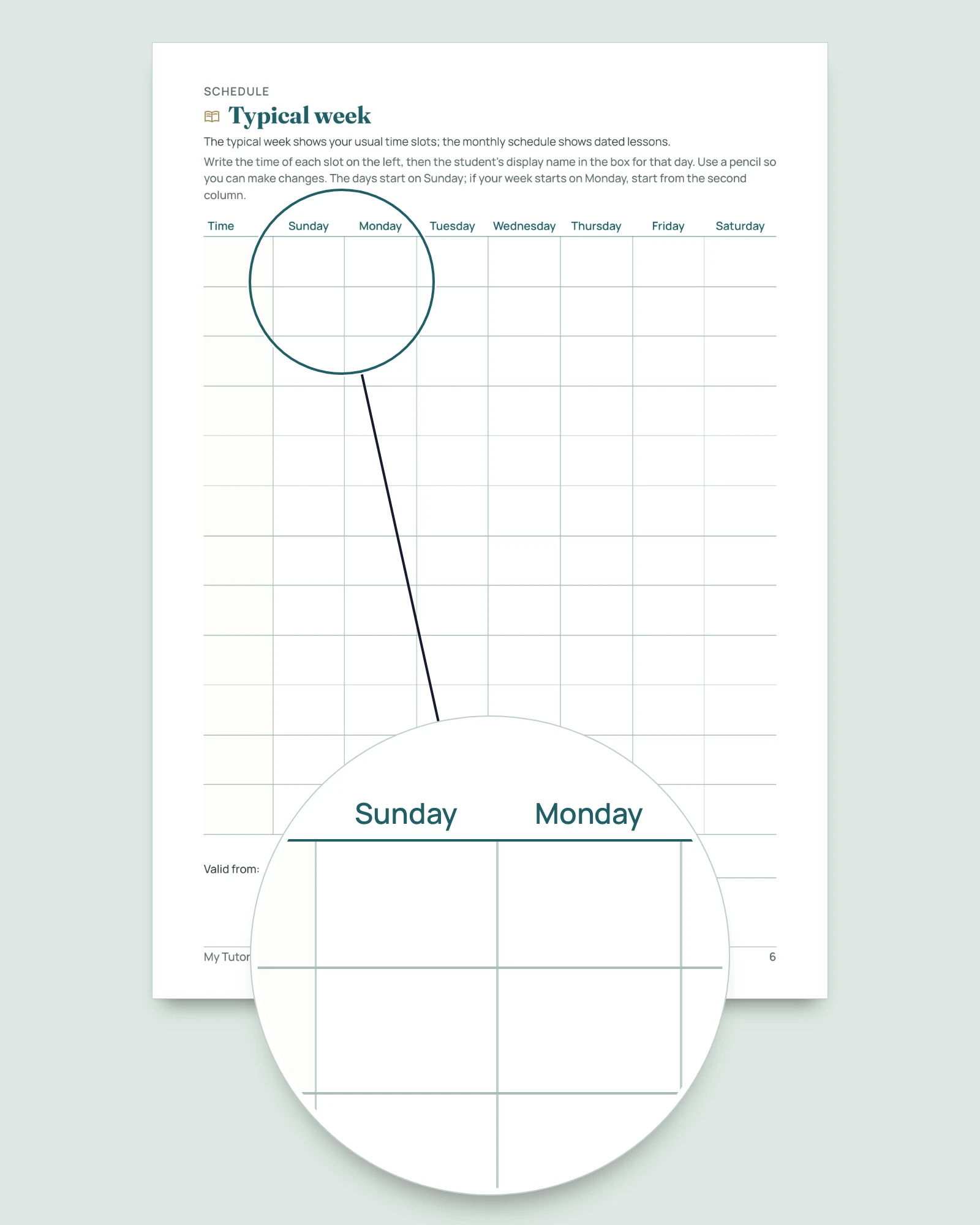
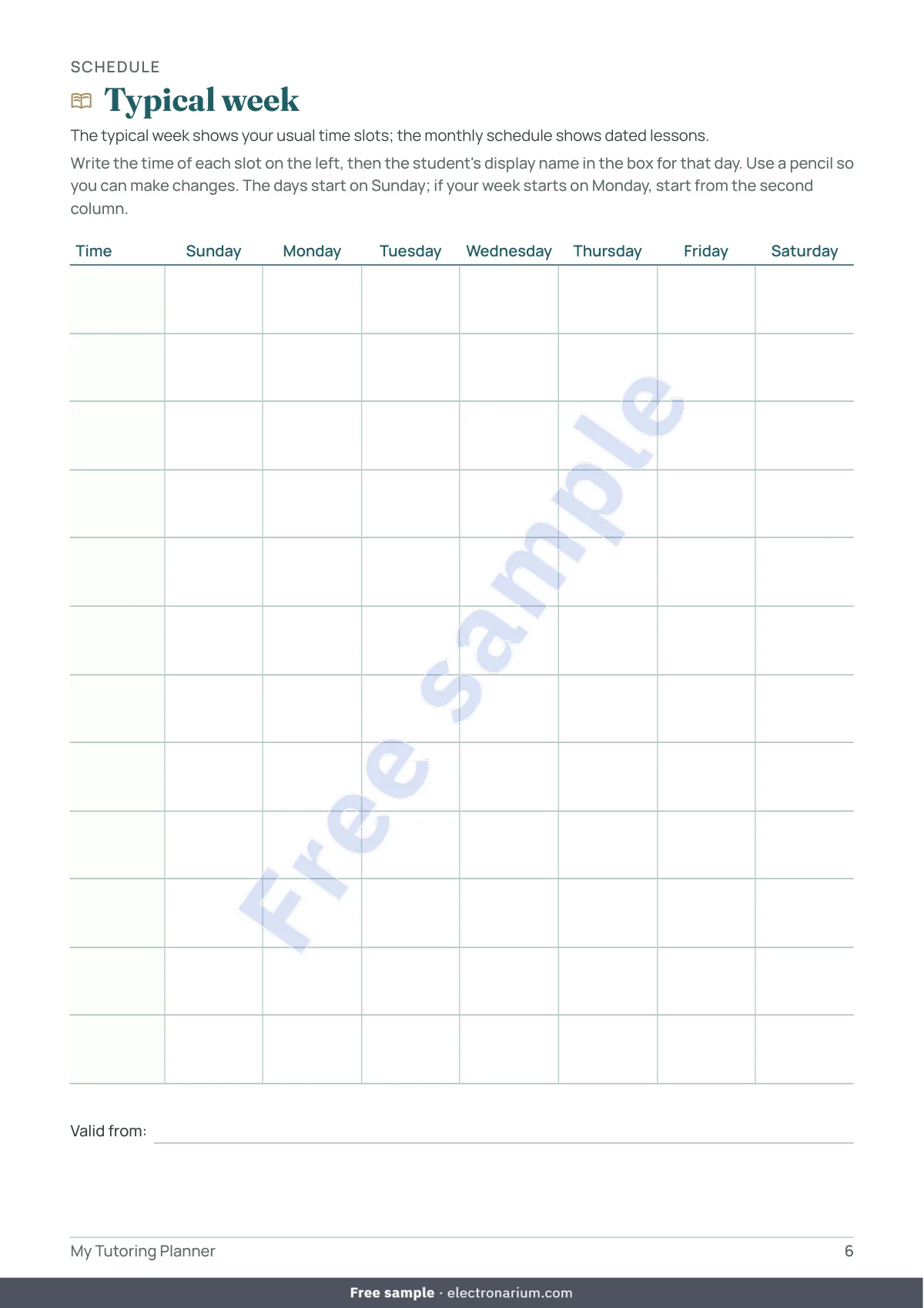
- Your week in view: a Typical week with 14 time slots over 7 days, plus a dated log of lessons.
- Progress described, never graded: for each student and date, the skill worked on, a four-word level (Introduced, In progress, Almost mastered, Mastered), a comment and the next step. The filter shows one student’s rows at a time.
- Months and year calculated for you: lessons, hours, amounts due and received, over 12 months from the first day of your school year, with a due / received chart; a year review by student and by activity.
- Six courteous message templates to copy into the messaging app of your choice: confirm a lesson, send a reminder, suggest a new time, share a balance update, confirm a payment received, share news. The balance message simply offers to talk it over.
- Your currency and your activities: any currency, and ten sample activities to replace with your own (reading, Spanish, piano, swimming, chess…). The workbook never suggests a rate: you enter your own.
- No formulas to write: you type in the yellow cells and pick from drop-down lists; calculations, in white, are protected without a password. A red alert flags a student not found, a missing date or a duplicate display name.
A notebook for screen-free lessons
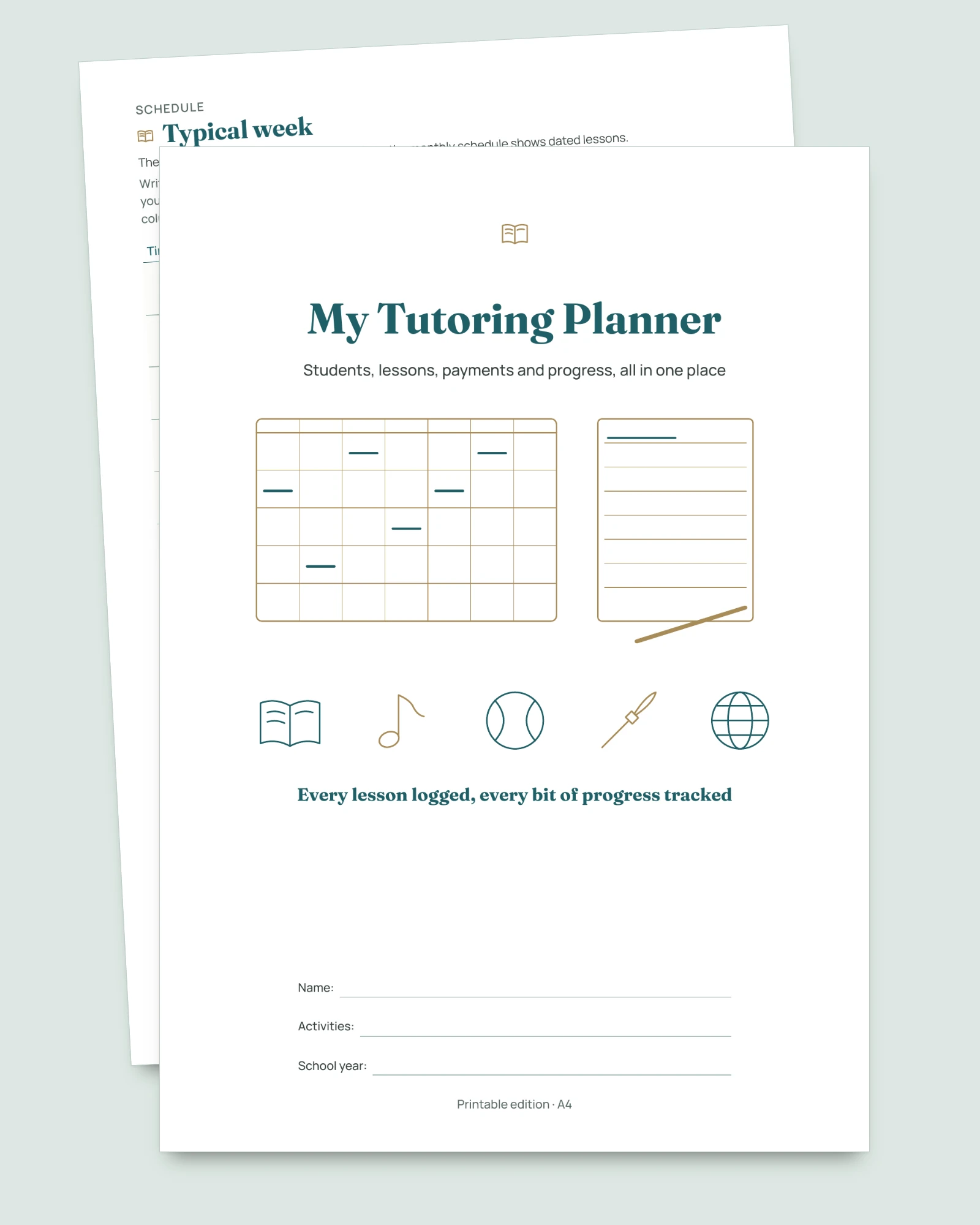
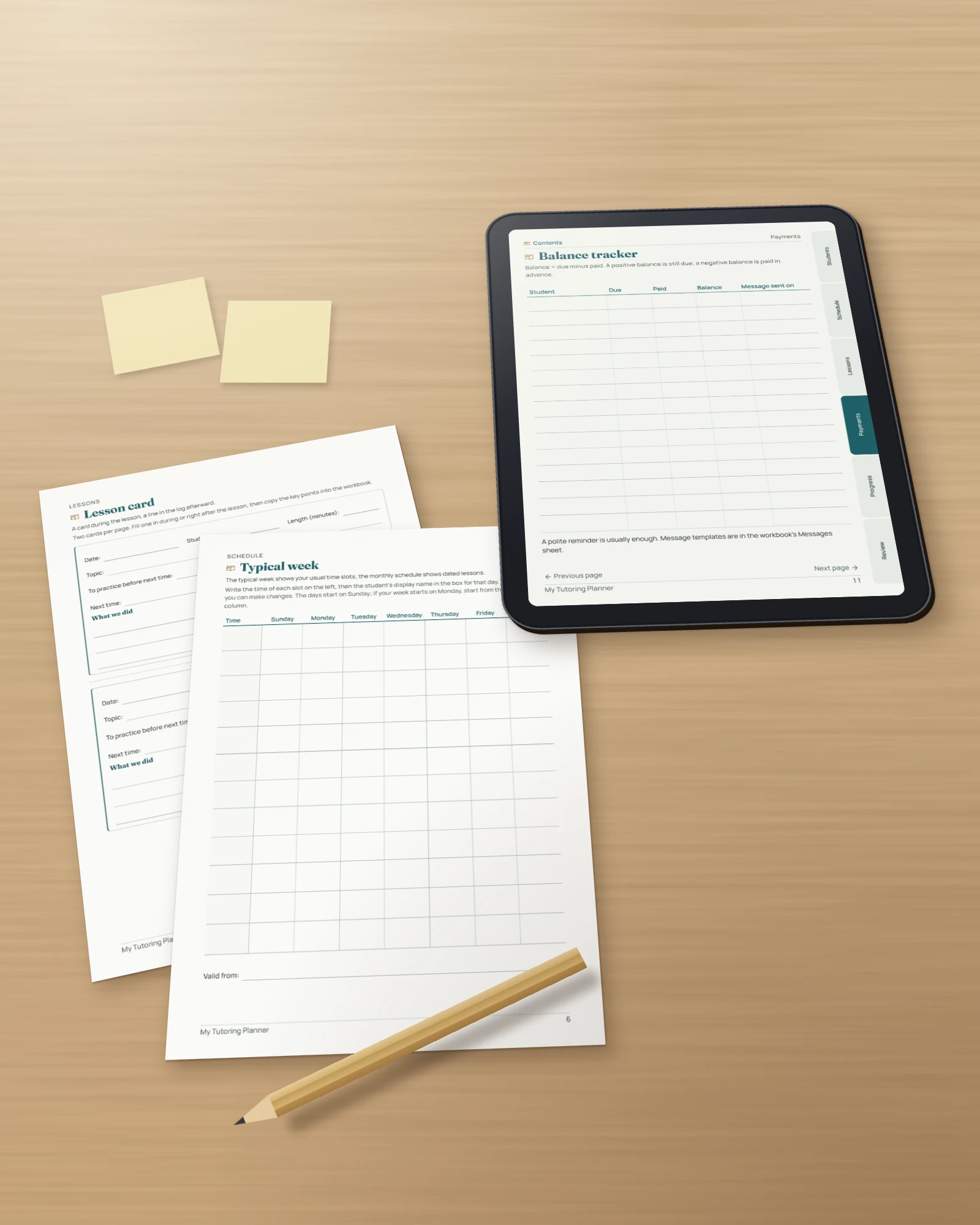
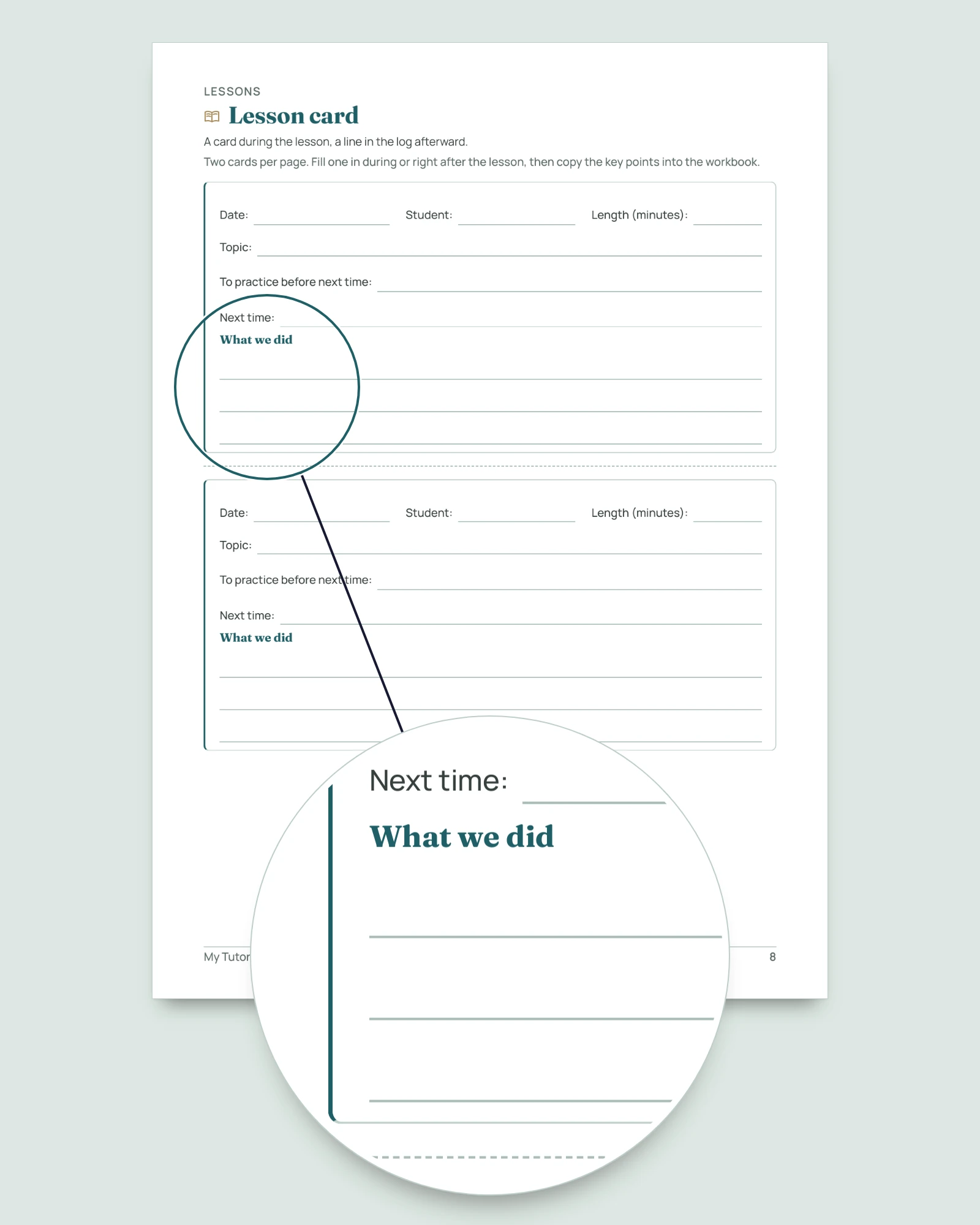
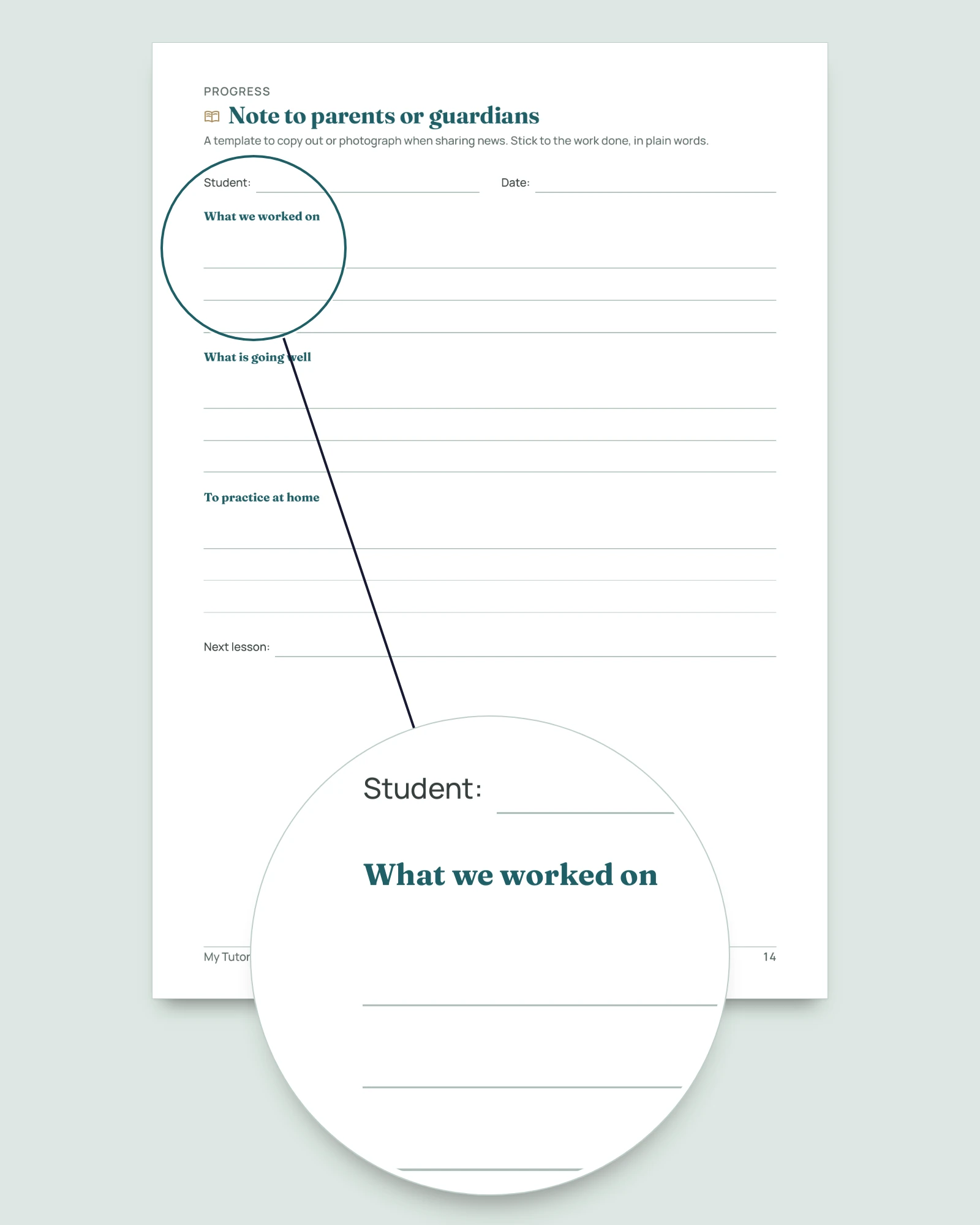
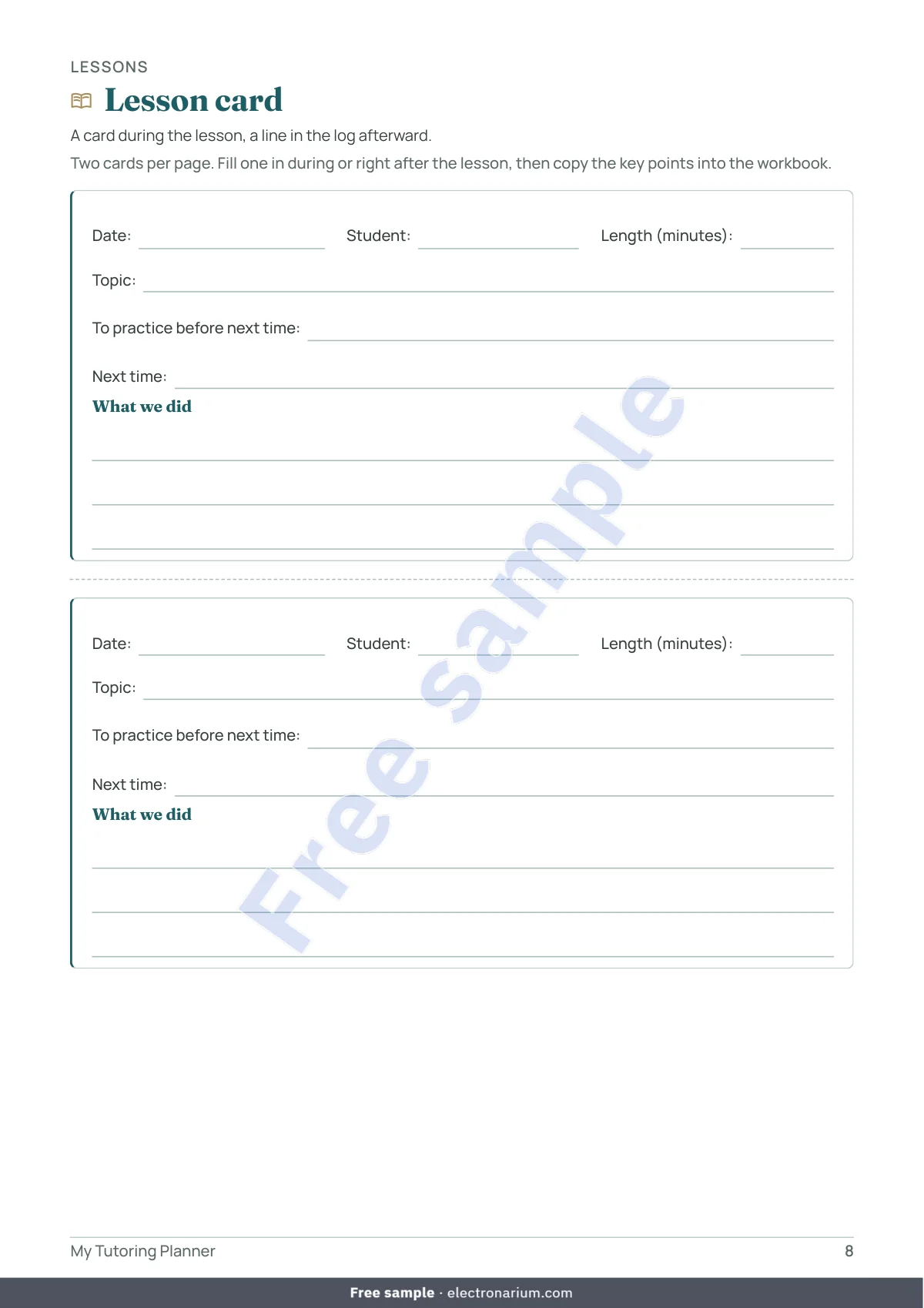
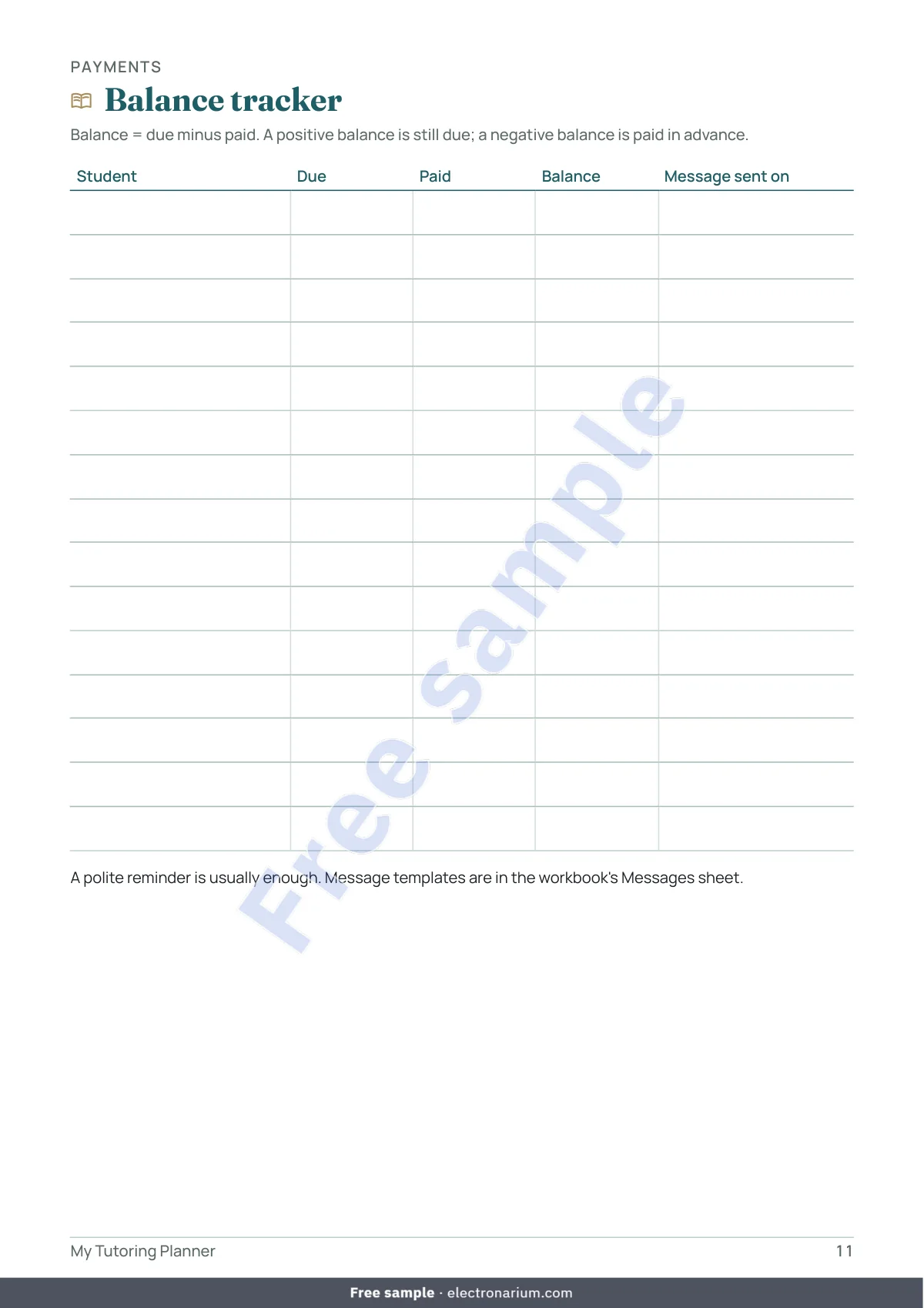
The PDF notebook follows the same order as the workbook: Student profile, Student list, Typical week, Monthly schedule, Lesson card, Lesson log, Payment log, Balance tracker, Progress grid, Period review, Note to parents or guardians, Monthly summary, Year in review and Notes. Lesson cards come two per page. Print the pages as many times as you need, in black and white if you like.
Exactly what you get
- 4 files: the workbook (.xlsx) and the notebook as a US Letter PDF, an A4 PDF and a tablet PDF (portrait 3:4, clickable contents, tabs, back-to-contents link on every page).
- The workbook, 11 sheets: Start here, Settings, Students, Typical week, Lessons, Payments, Balances, Progress, Months, Year, Messages. One file holds up to 40 students, 800 lessons, 400 payments and 400 progress notes; use one file per school year.
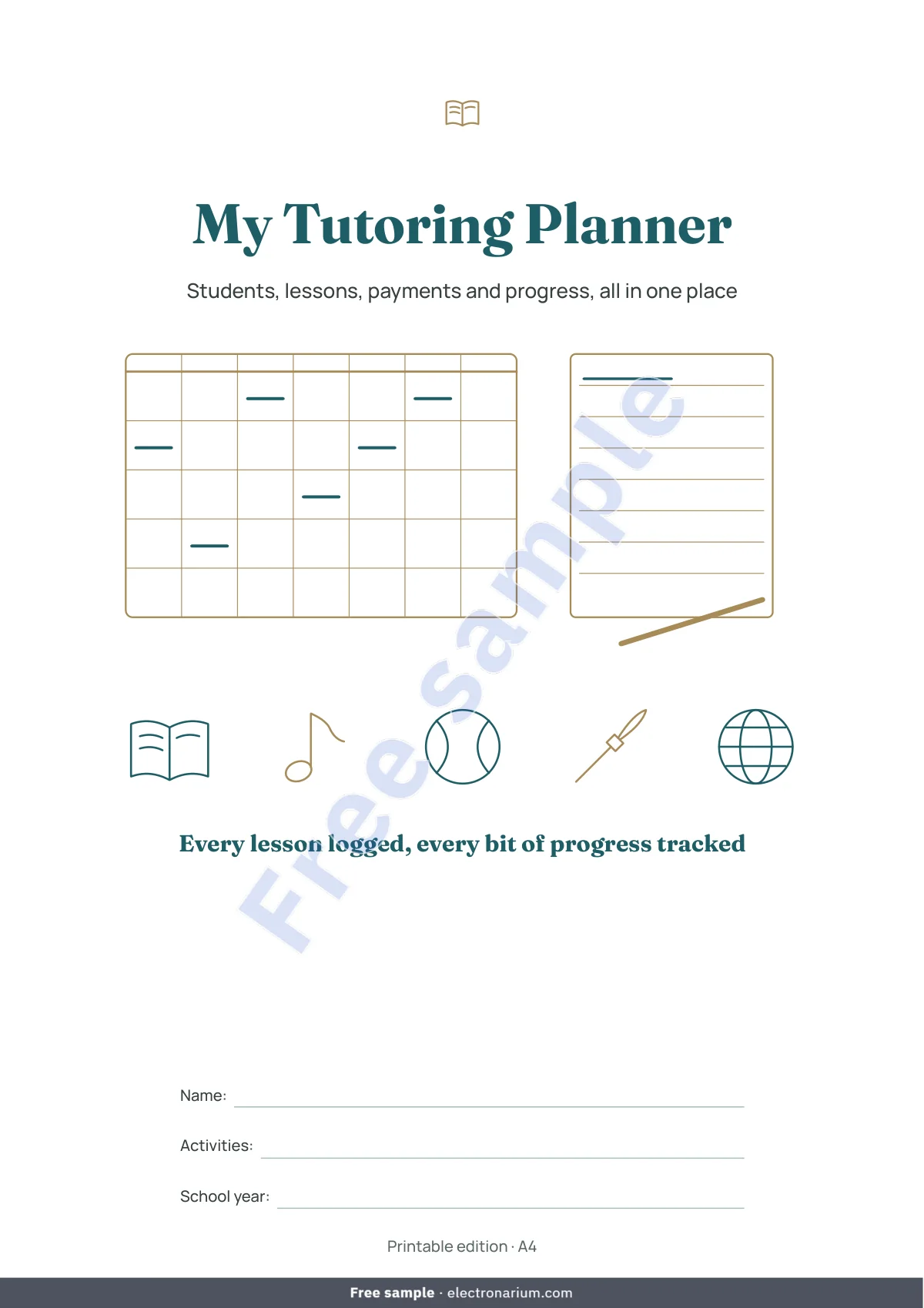
- The notebook, 17 pages: cover, how-to page, contents and 14 content pages in six parts (Students, Schedule, Lessons, Payments, Progress, Review). No year printed.
- No macros, no external links, no subscription. Tested in LibreOffice Calc; designed for Excel 2016 or later and Google Sheets (import).
- Default currency USD, which you can change in Settings (GBP, INR, ZAR, NGN, CAD, AUD or any other). One currency per file, no conversion.
Your students’ information stays with you
The file stays on your device: we receive nothing. A first name or nickname is enough, with no address, date of birth, photo or health information. If the student is a minor, the Student profile and the Students sheet remind you to ask the parents or guardians for consent first.
Who it is for
Anyone who gives private lessons, at home, at the student’s place or online: tutoring, homework help, languages, music, sports, art, chess, test preparation. Up to 40 students, children, teens or adults, paying in cash, by bank transfer, by card or by mobile payment. If you can type a number and pick from a list, you can use it.
Who it is not for
Not for a school or center where several people teach: the workbook is designed for one person who teaches. Not for anyone looking for bookkeeping or reporting software: it does neither. Not for anyone who wants reminders sent automatically, or a link to a calendar or a payment account: the workbook sends nothing. Not for more than 40 students in one file, or several currencies at once.
Frequently asked questions
There are free templates. Why this one? If a free template works for you, keep it. This one brings lessons, payments, balances, progress and messages together in one file, in your language and currency, with a printable notebook.
What rate should I charge? The workbook neither sets nor suggests one: you enter your own for each student, and a special rate for a single lesson when needed.
Should an absence be counted? That is your decision, according to the terms agreed with the student or their parents or guardians. Choose Counted absence to count it, Canceled otherwise.
Some lessons were paid in advance. Enter the payment on its date in the Payments sheet. The balance becomes negative (Paid in advance) and goes down with each counted lesson.
I teach a small group. Enter one lesson row per student present, with each student’s rate: the balances stay correct for every student.
My school year starts in January, February or March. Enter that first day in Settings: the Months sheet starts with that month. To follow a calendar year, enter January 1.
Does this workbook replace an invoice or accounting records? No. It helps you keep track of your lessons and payments. The rules for reporting income from lessons depend on your country: check with the relevant authorities or a qualified professional in your country.
Does the workbook send the reminders? No. You copy the text from the Messages sheet into the messaging app of your choice and adjust it to your own style.
Excel? Google Sheets? Mac? The workbook was tested in LibreOffice Calc, which is free. It is designed for Excel 2016 or later (Windows and Mac) and for Google Sheets (File > Import; cell protection may be lost, so go by the colors). Numbers is not supported. On a phone you can read the PDF; the workbook is not designed for a small screen.
Is it available in other languages? Yes: French, Spanish, German, Dutch, Brazilian Portuguese, Italian, Turkish, Russian, Arabic and Chinese. Each purchase includes one language.
Can I share it? The license is personal: print the pages as often as you need for your own lessons, but do not resell or distribute them.
Important
This workbook and notebook are personal organization tools. They are not tax, legal or financial advice, nor an invoice, nor accounting records. The calculations rely only on what you enter. The rules for reporting income from lessons depend on your country and your situation: check with the relevant authorities or a qualified professional in your country.