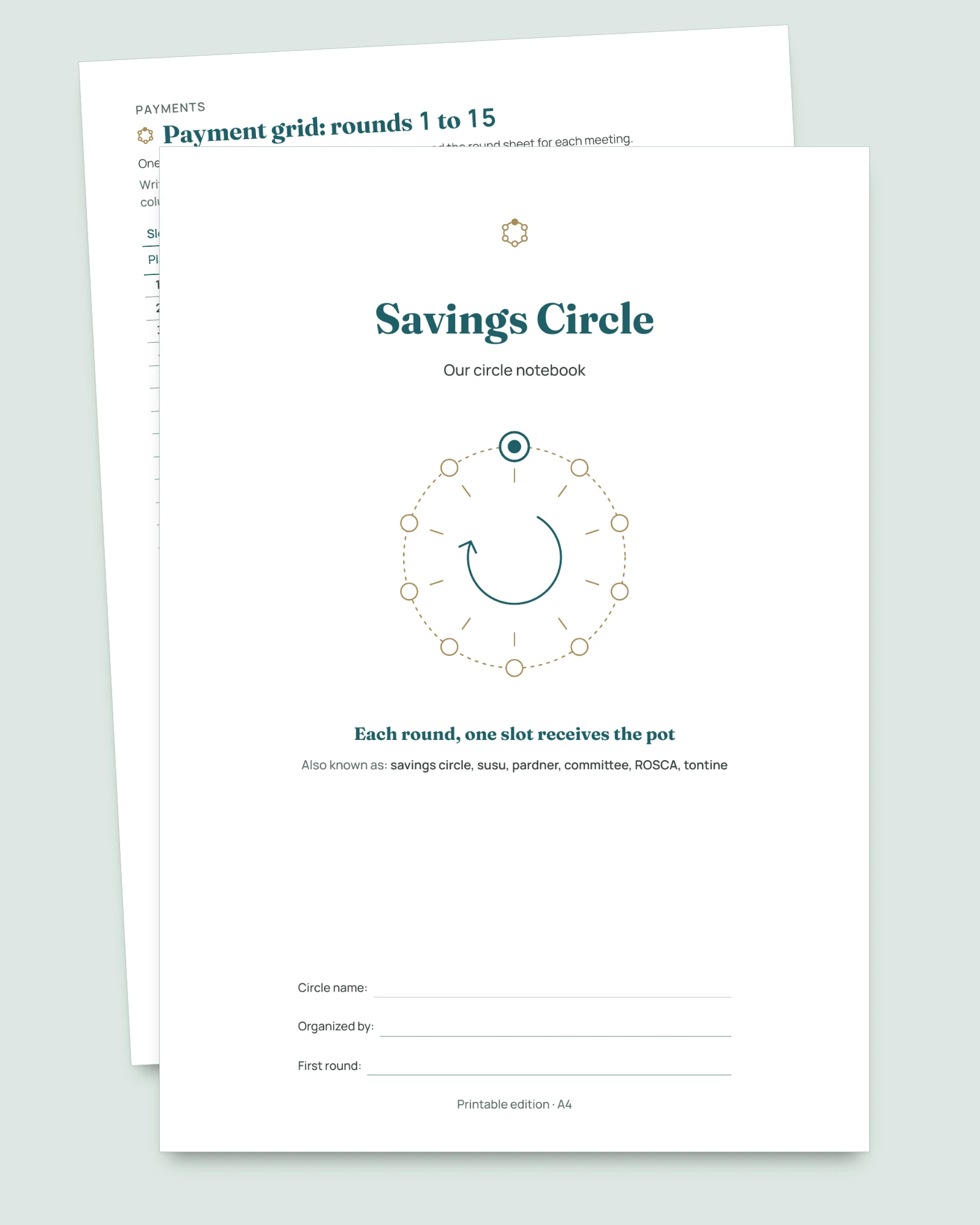
Susu, pardner, committee, ROSCA or tontine: a savings circle among people you know runs on trust. This register helps the person who organizes it keep clear records that everyone can see.
The register of your savings circle: everyone sees the same thing
- Who receives in which round, who has paid, what is still to collect: clear records to show at the meeting, rather than scattered messages.
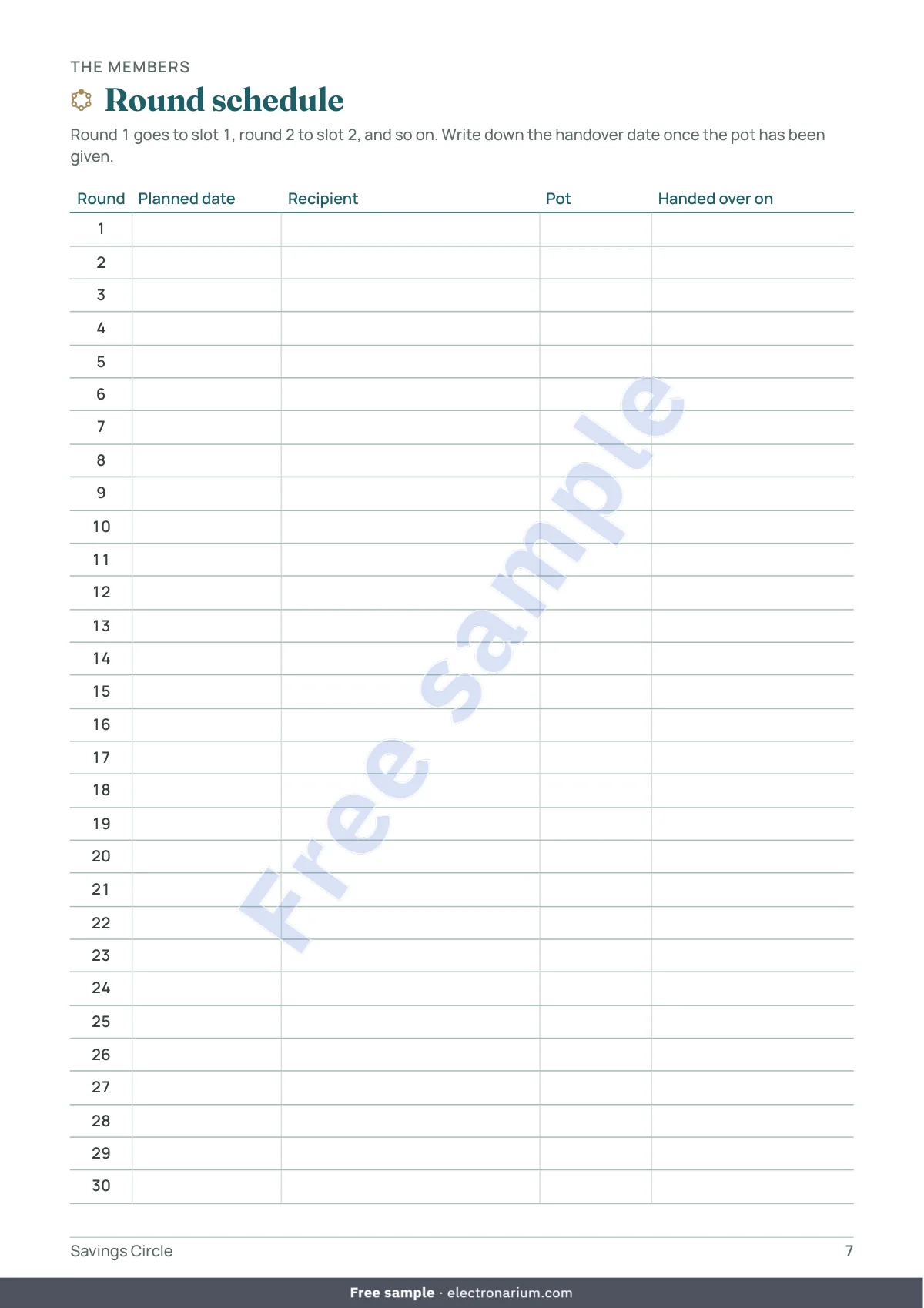
- The schedule fills itself in: type the date of the first round and pick Every week, Every two weeks or Every month. The date, the receiving slot and the pot of each round appear.
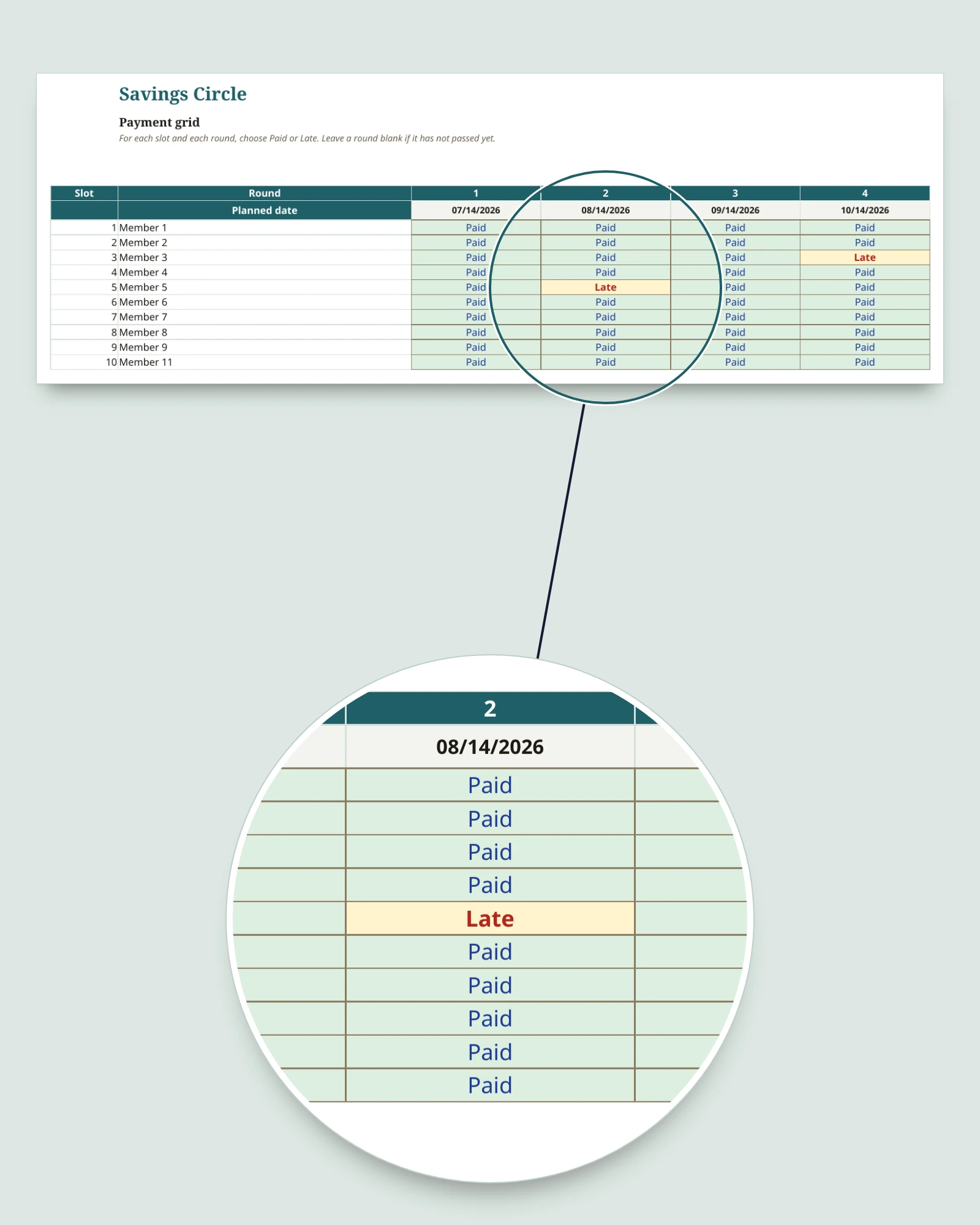
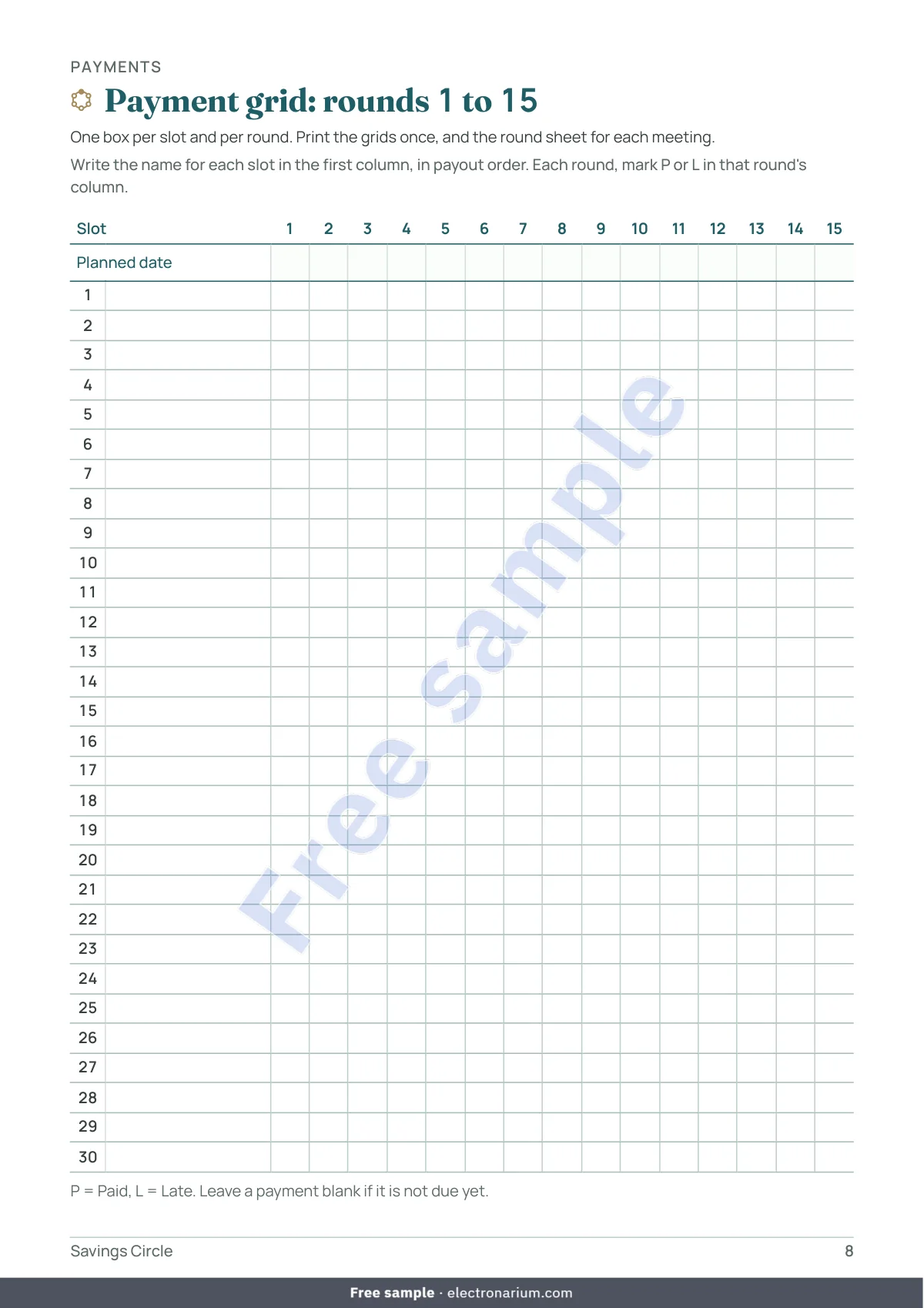
- One cell per member and per round, marked Paid or Late. The amount received and what is still to collect for the round are calculated; an empty cell for a round that has already passed turns pale orange, to check.
- Tracking for each member, without judgment: paid in, due to date, difference, late payments noted. The words are “late” and “pending”, nothing harsher.
- Your circle’s own name, typed once in Settings, appears at the top of every sheet.
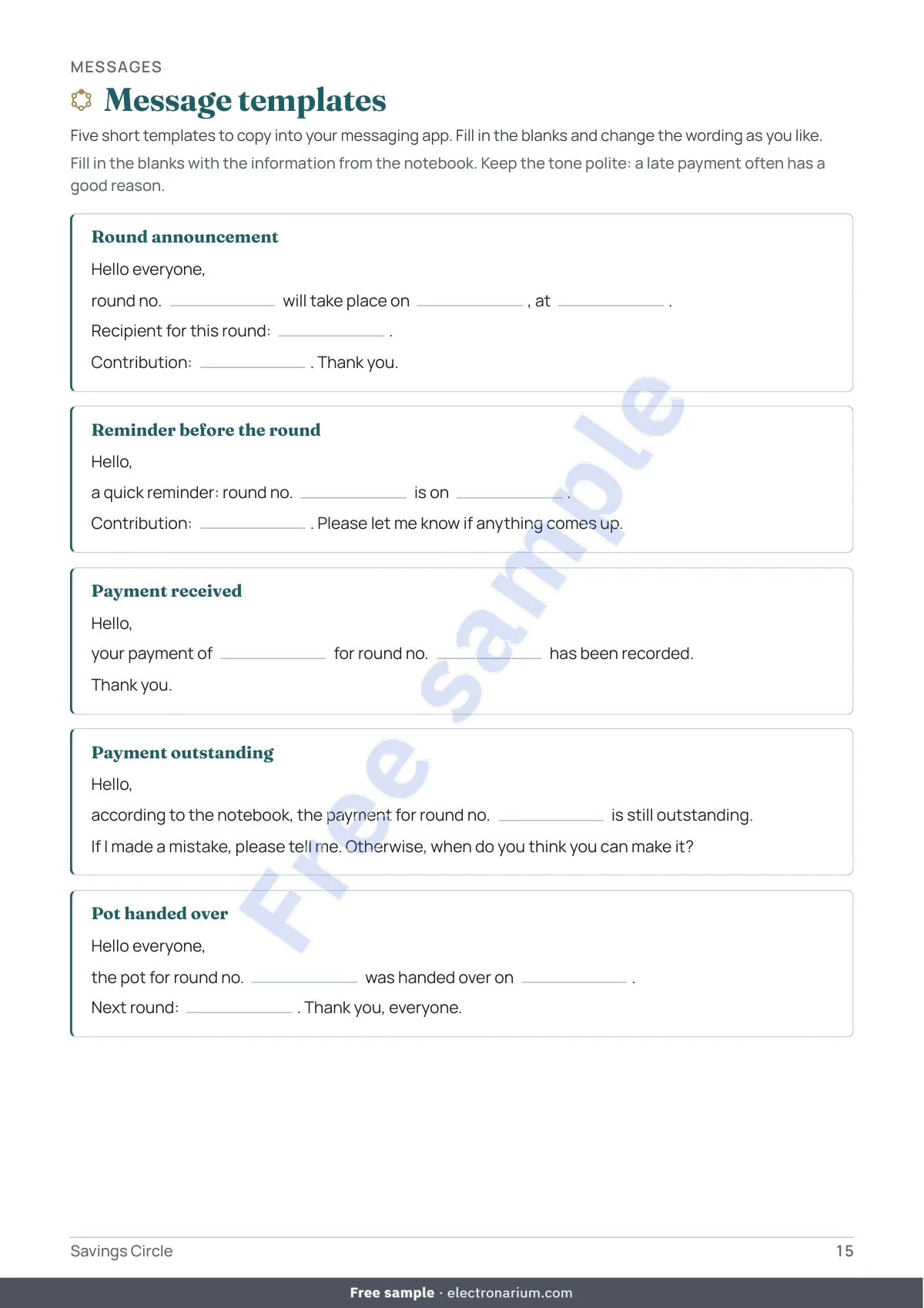
- A notebook for meetings: the circle on one page, the rules agreed together, members, schedule, grids for all 30 rounds, a round sheet to print for each meeting, a log, 5 polite message templates, and a final summary.
- Nothing leaves your computer: a local file, no macros, no account, no connection, no subscription.
How the circle turns
Every slot pays the same contribution each round; each round, a different slot receives the pot. Row 1 of the Members sheet receives in round 1, row 2 in round 2, and so on: the payout order is decided by the group. A setting says whether the receiving slot pays in on its own round (Yes or No). The workbook adds no amount at all, no fees and nothing extra for a late payment: over the full length of the circle, each slot receives what it paid in.
Exactly what you get
- 4 files: the workbook (.xlsx) and the notebook as an A4 PDF, a US Letter PDF and a tablet PDF (portrait, clickable contents, tabs, a link back to the contents on every page).
- The workbook, 9 sheets, for a circle of 2 to 30 slots, so up to 30 rounds: Start here, Settings, Members, Schedule, Payments, Member tracking, Log (200 rows), Summary (next round, total handed over, late payments), Circle rules (10 questions and the group’s answers).
- In the Members sheet, the Departure column records the date someone leaves and who takes over the slot; the Chosen round column lets you swap two rounds without moving names. An erased name leaves its round empty and its line turns red: the other rounds stay where they are.
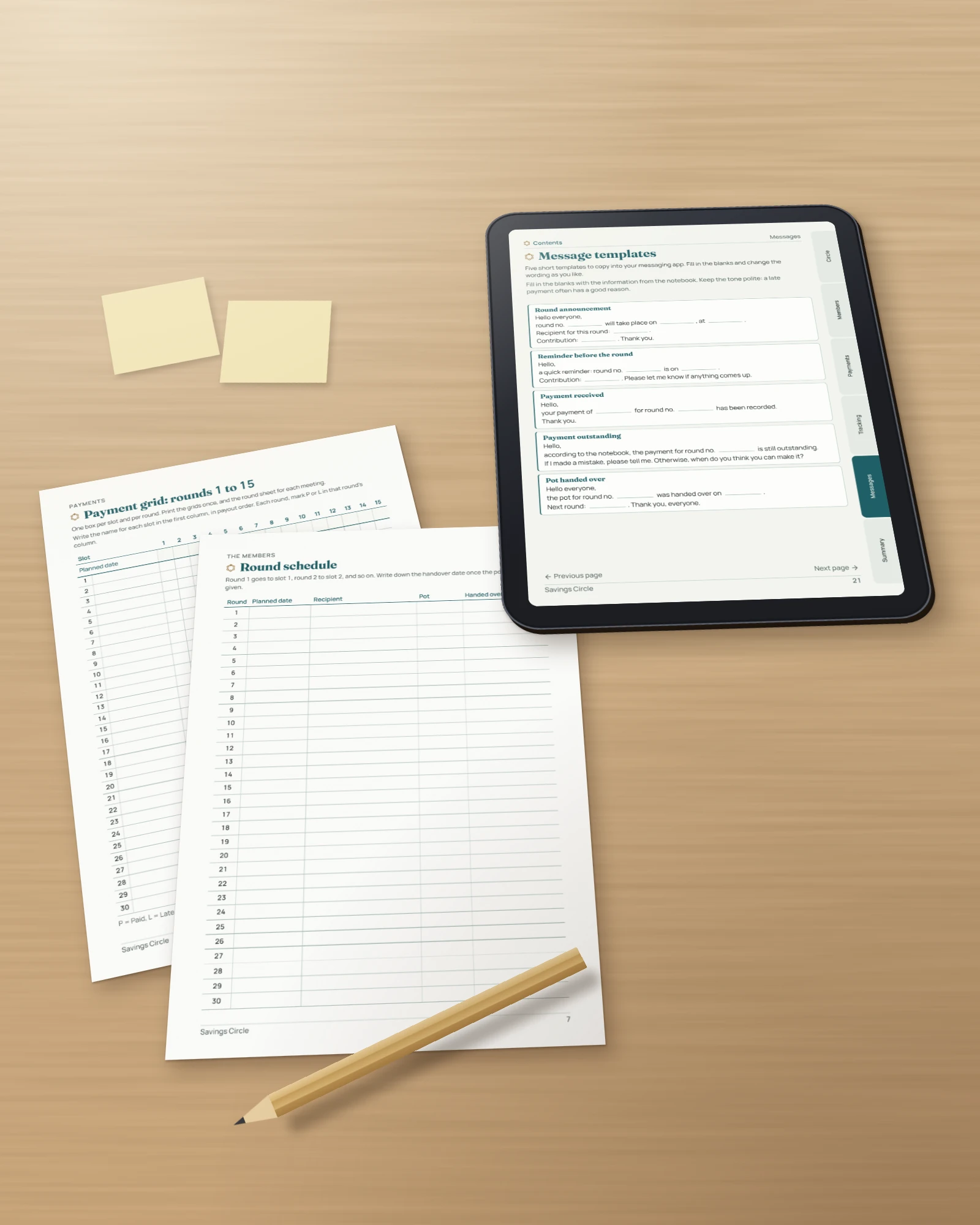
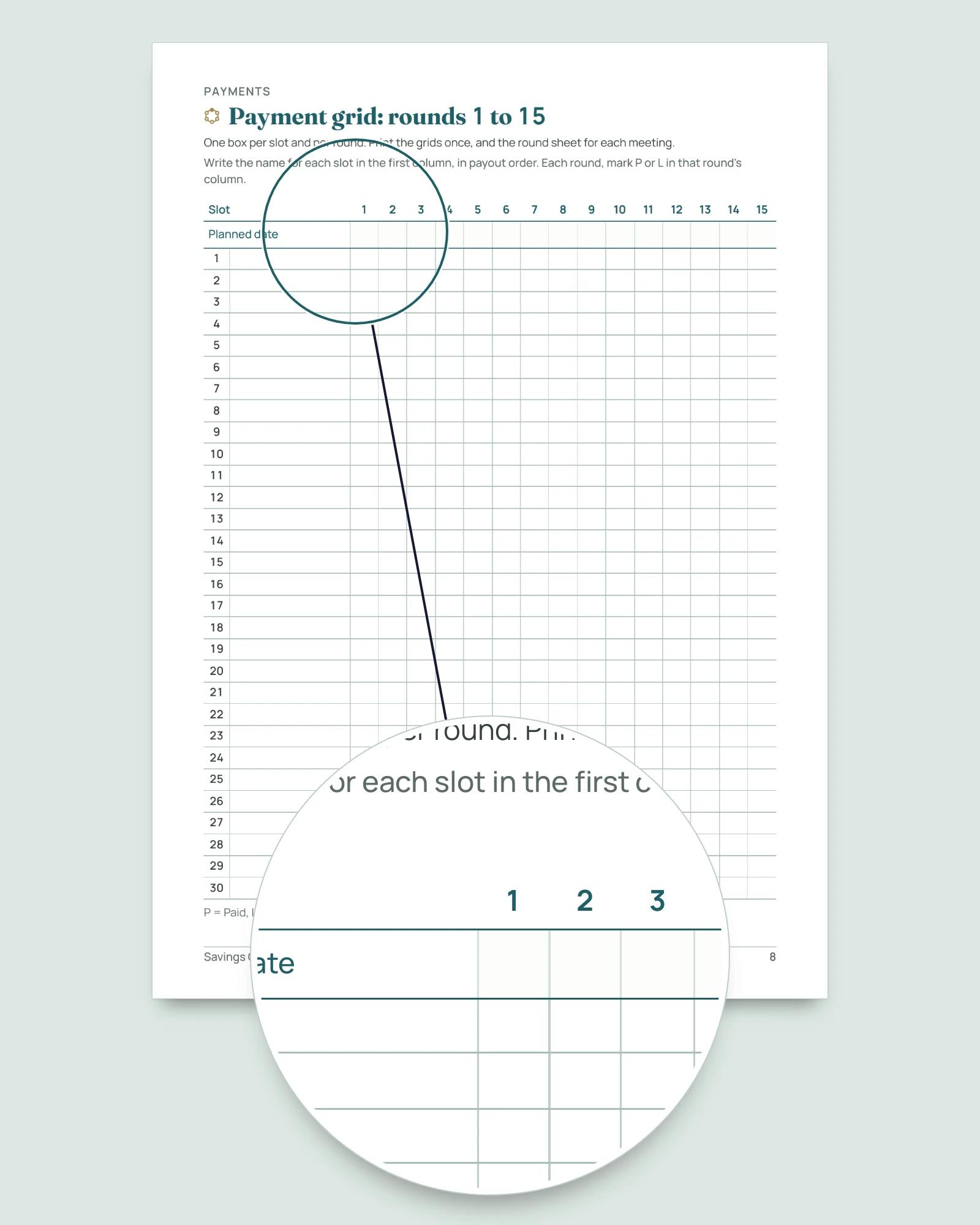
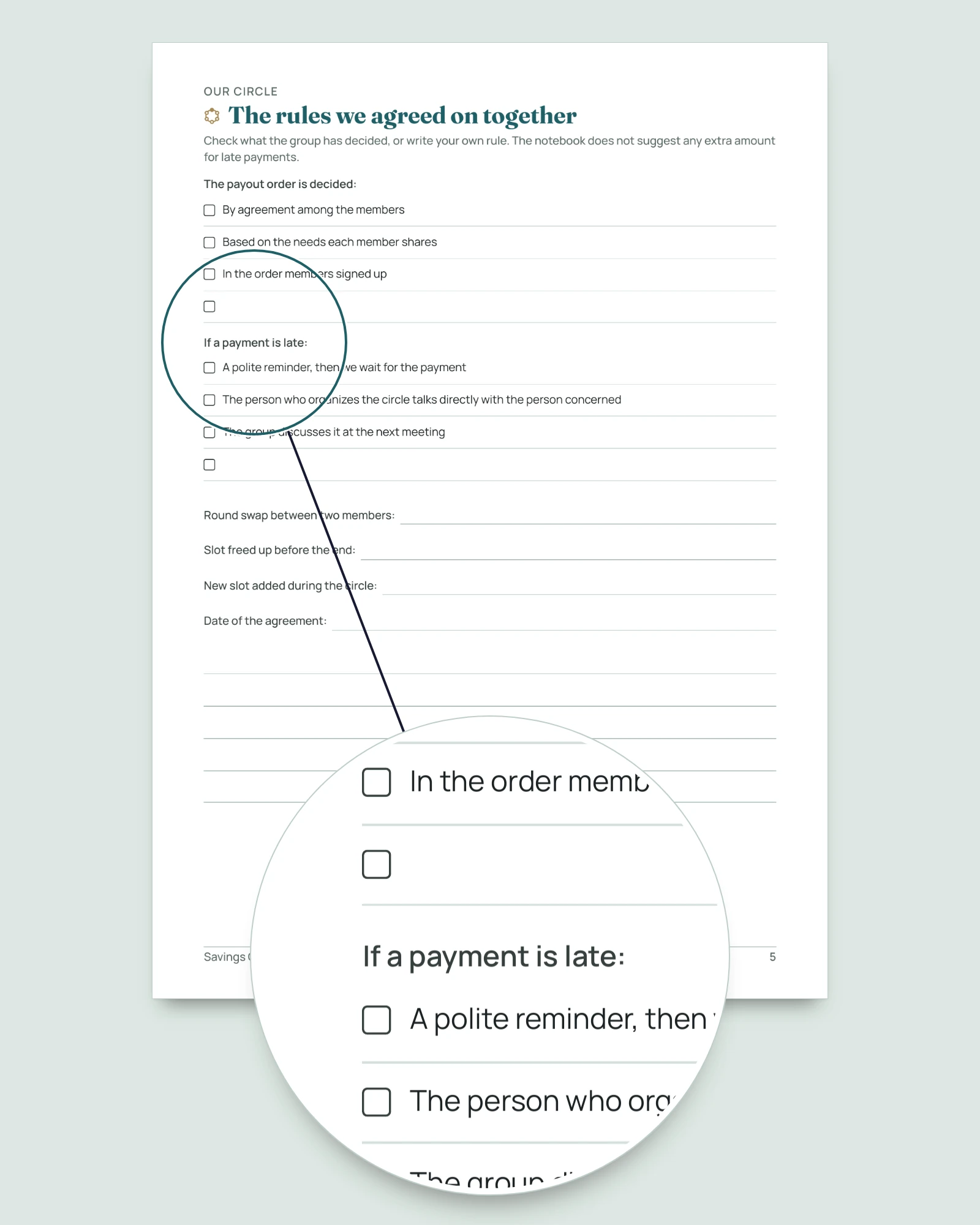
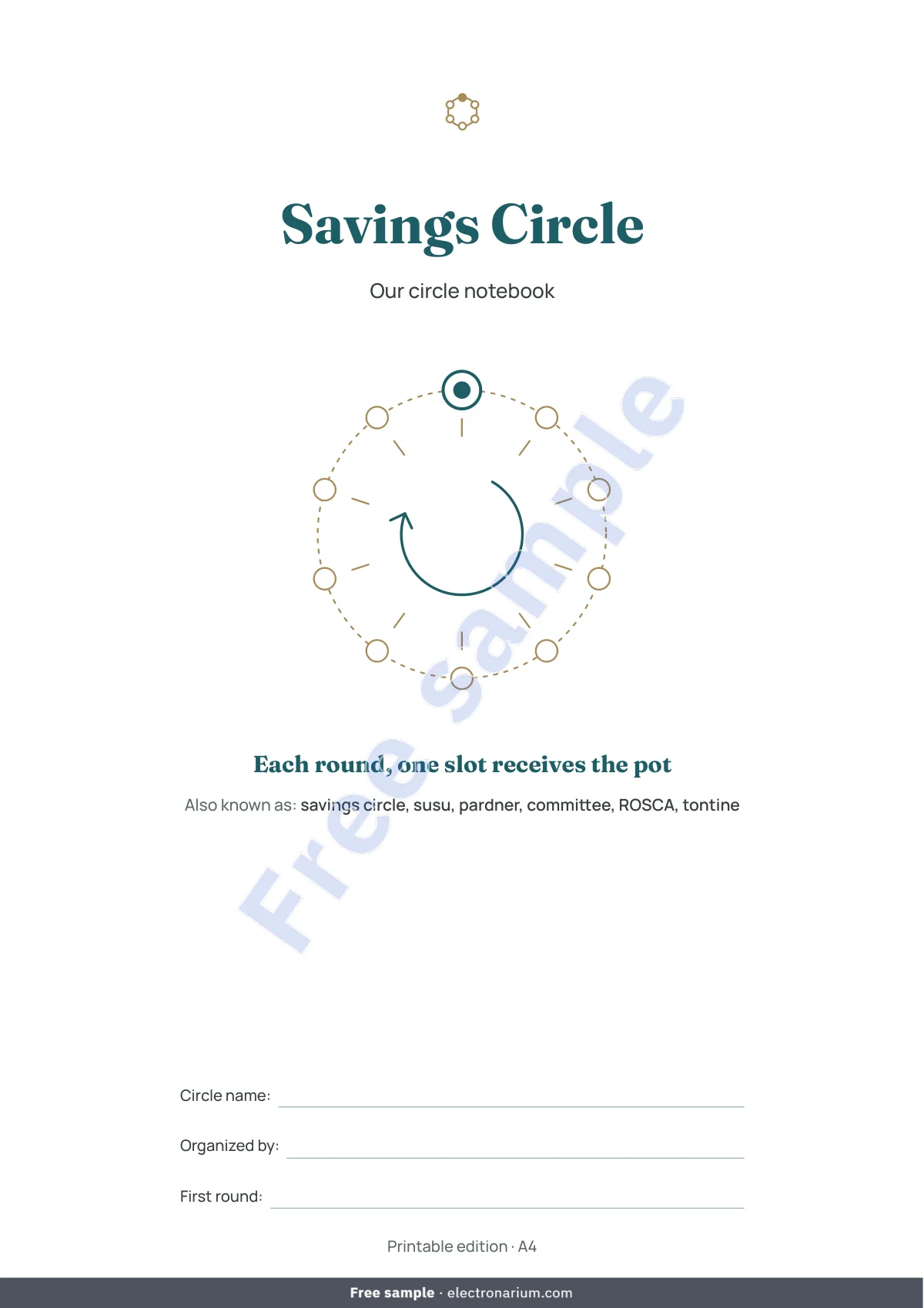
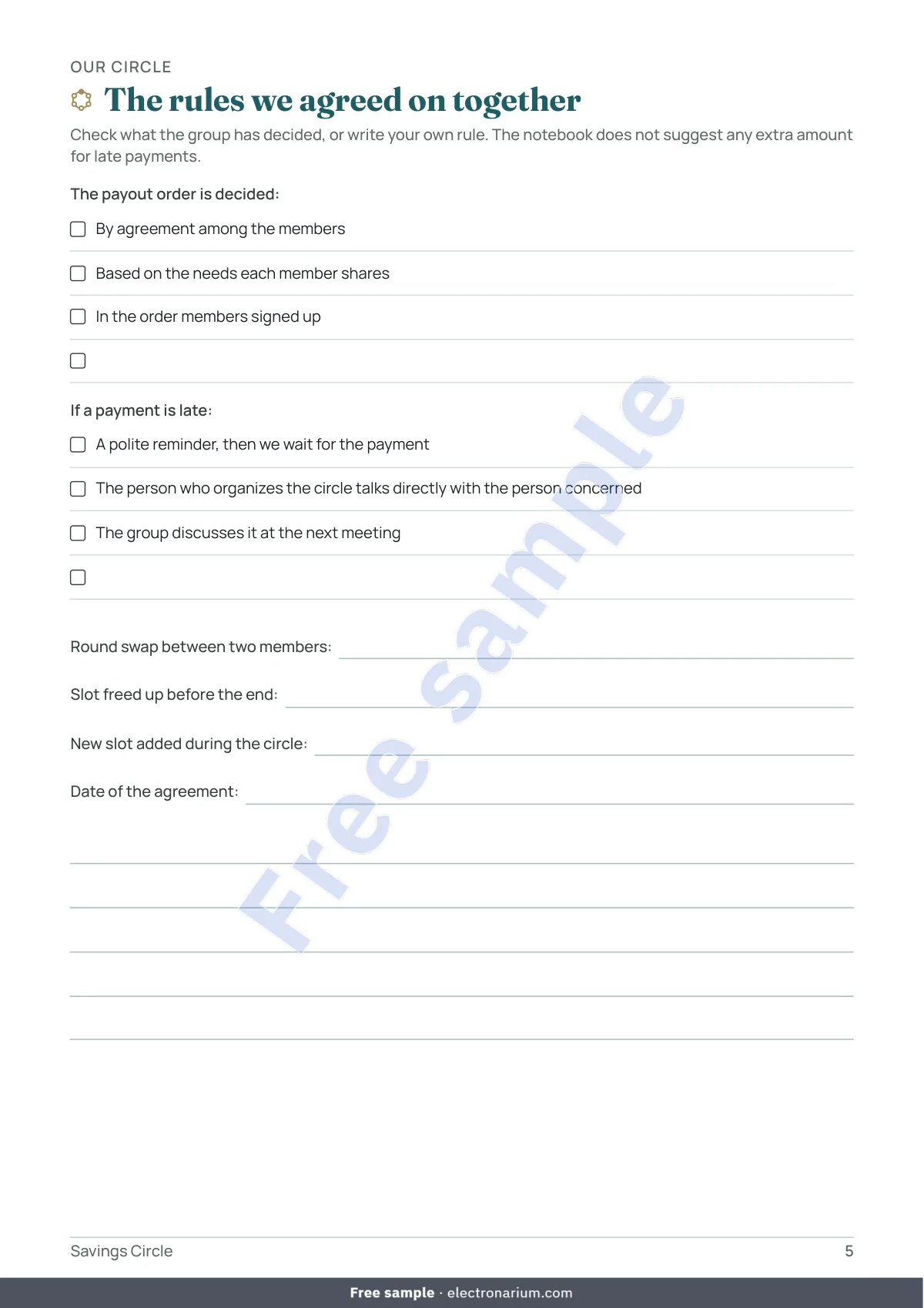
- The notebook, 18 pages in A4 and US Letter (25 in the tablet version, where tables run over two pages to leave room for a stylus): cover, instructions, contents; our circle on one page and the rules agreed together; members and payout order, schedule of rounds; payment grids (rounds 1 to 15 and 16 to 30) and a round sheet; late payments, log of amounts received (2 pages), changes in the circle; message templates; summary and notes; frequently asked questions. Readable in black and white; print only the pages you need.
- No macros, no external links. Calculations protected without a password: you type in the yellow cells. Compatible with Excel 2016+, Google Sheets and LibreOffice.
- Default currency USD, changeable in Settings. No date or year printed.
Who it is for
For the person who organizes or keeps the notebook of a circle of 2 to 30 slots among people they know: family, neighbors, coworkers, friends, a neighborhood association, a diaspora community. For a circle where every slot pays the same contribution and a different slot receives the pot each round, in cash or by whatever means the group has chosen. You only need to type a name, a date and an amount, and pick from a list.
Who it is not for
Not for a group that advances money to its members, that charges for the right to receive earlier, or that adds amounts for late payments: the workbook has no cell for any of that. Not for different contributions per slot, several currencies in one file, or more than 30 slots per file. Not if you expect automatic reminders, a connection to an account, or online payment.
Frequently asked questions
A notebook or a group chat is enough for us. Then keep it. The workbook calculates the schedule, the pot and what is still to collect for each round; the paper notebook keeps the agreed rules and every meeting on record.
There are free apps. They often ask for an account. This is a file that stays with you, with no connection, plus a printable notebook.
Does the workbook check payments? No. It counts what you record, nothing more. It connects to no account and moves no money.
Does it add fees for late payments? No. The workbook adds no amount at all. What the group decides about a late payment (a reminder, extra time, a swap of rounds) is noted in the Circle rules sheet.
How do I change the payout order? Do not move names: recorded payments follow the lines. To swap two rounds, type the new round number in the Chosen round column of the Members sheet, on both lines involved; the payments stay with their person. Also record the swap in the notebook, on the page Changes in the circle, with the agreement of the members involved. Before the first payment, you can also type the names in a new order.
A person leaves the circle. Do not delete the name: an empty line leaves its round without a recipient and turns red. In the Members sheet, write the date of leaving and the person who takes over the slot in the Departure column, once the group agrees. The slot keeps its round and the payments already recorded.
Our circle has another name. Type it in Settings: it appears at the top of every sheet.
One person holds two slots, or two people share one slot. Two slots, two rows. A shared slot is one row with both names; how they split it goes in the Note column.
A payment was only partly made. Leave Late in the grid and record the part received in the Log; choose Paid once the payment is complete.
More than 30 slots? Use a second file.
Is a savings circle allowed in my country? The notebook does not say. Depending on the country, these arrangements may be subject to local rules: ask a professional where you live.
Excel? Google Sheets? Mac? Compatible with Excel 2016+ on Windows and Mac, Google Sheets (File > Import; cell protection may be lost, so follow the colors) and LibreOffice, which is free. Numbers has not been tried.
Where do the names and contacts go? Nowhere: no macros, no external links. Share the file only with the group’s agreement.
Can I print pages for the members? Yes, for your circle, as often as needed. Resale and redistribution are not allowed.
Is it available in other languages? Yes: French, Spanish, German, Dutch, Brazilian Portuguese, Italian, Turkish, Russian, Arabic and Chinese. Each purchase includes one language.
A circle is built on trust
A savings circle works because its members trust one another. This notebook records what you write in it: it does not check any payment and cannot collect one. Depending on the country, these arrangements may be subject to local rules: look into it if you are unsure.
Important
This notebook is an organizing tool. It is not financial, legal or tax advice and does not guarantee any payment. It calculates no interest and no fees: over the full length of the circle, each slot receives the amount it paid in. The circle’s rules are the ones its members decide together, in line with the local rules of their country. For any legal or financial question, consult a qualified professional in your country.